ion Solutions

production print · colour beyond CMYK

Ricoh Pro C7500

colour with possibility.

Bring commercial colour production and an optional fifth station together. Create distinctive print with gold, silver and other special-toner effects, flexible media handling and a workflow built around your applications.

view specifications
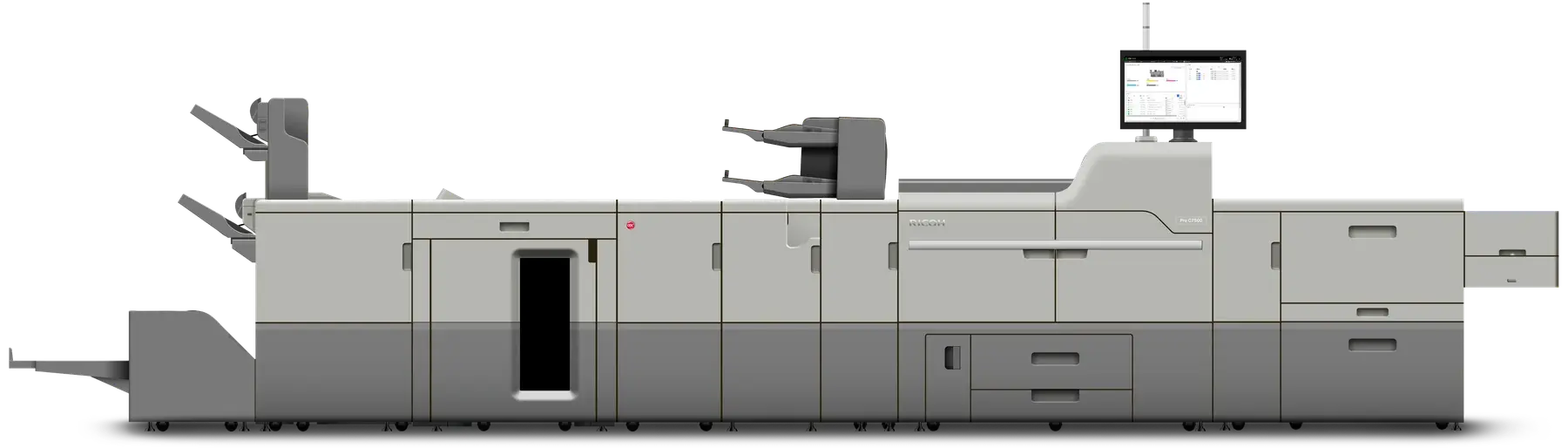
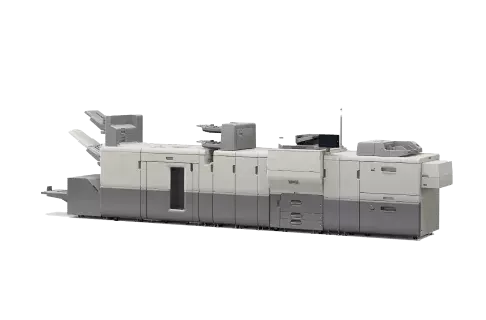
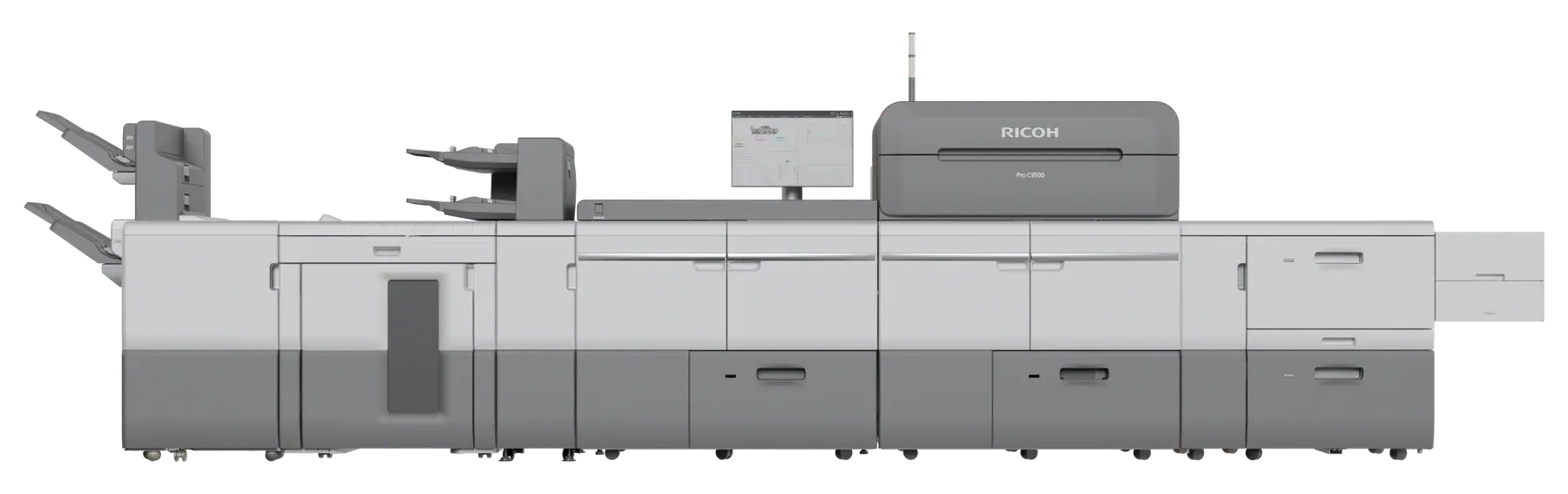
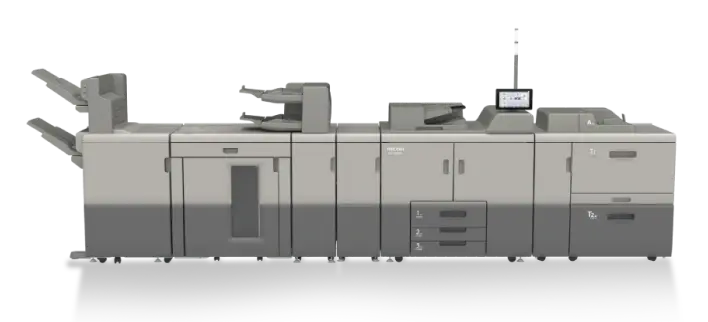
Ricoh Pro C7500 colour production press with feeding and finishing equipment
Pro C7500 with optional feeding and finishing equipment.
85 / 95 ppmA4 · 95 ppm with productivity upgrade
40–470 g/m²with suitable feed options
5th colouroptional special-toner station
1,260 mmlong sheets with suitable options
overview

creative possibilities. production discipline.

The Pro C7500 brings together commercial colour printing, flexible media handling and an optional fifth colour station. Explore the technology behind the work—from a personalised mailer to a metallic-accented cover—and specify the press around your applications.

specifications & options

Check paper sizes, media weights, print speed and finishing options.

view specifications
applications

start with the work you want to produce.

Different applications place different demands on the press. Match stock, sheet size, colour treatment and finishing as one production workflow.

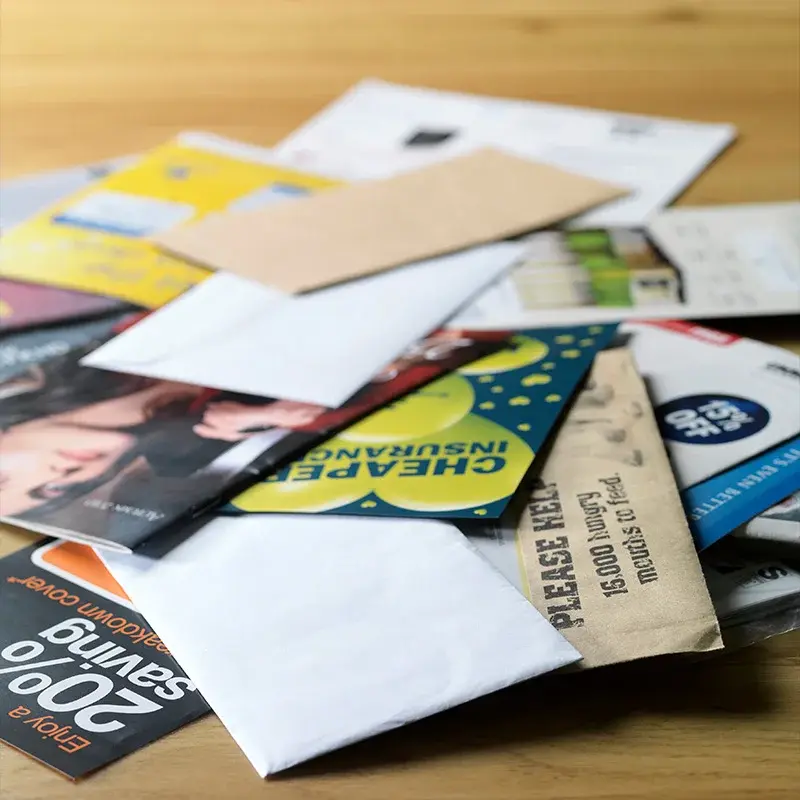
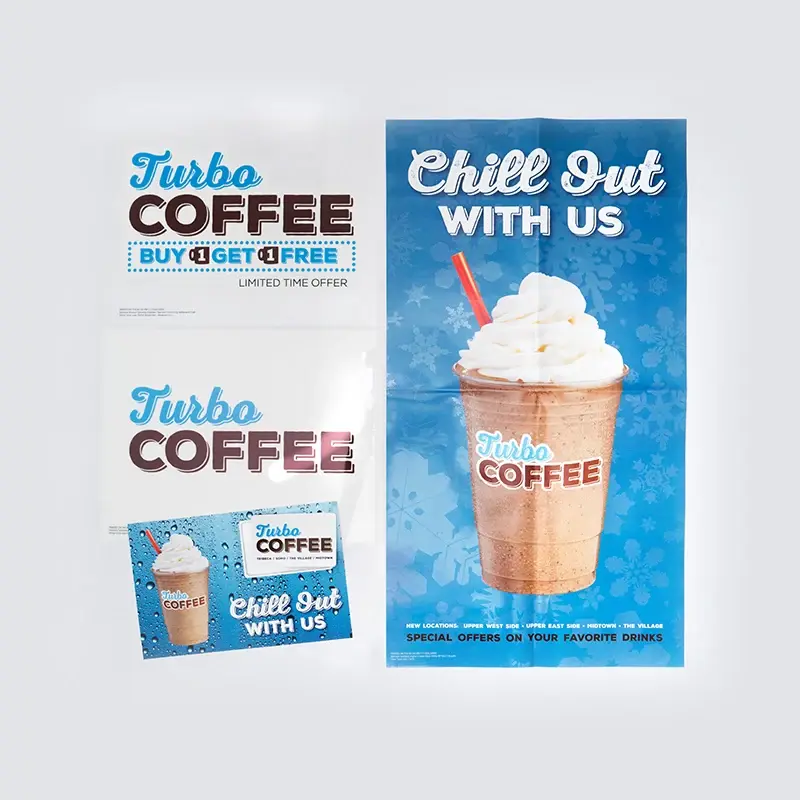
Close-up of printed media samples from Ricoh

a wider media range

Suitable feeding options extend the supported range from 40 to 470 g/m². Configure long-sheet feeding for sizes up to 330.2 × 1,260 mm, creating room for fold-outs, extended covers and promotional formats.

  • Brochures, manuals and booklets with mixed-media sections.
  • Postcards, direct mail and personalised marketing materials.
  • Textured and speciality stocks, with stock-specific settings and feed-path checks.

Media type, weight and sheet length must be matched to the selected tray, printing mode and finishing equipment; maximum figures do not apply to every combination.

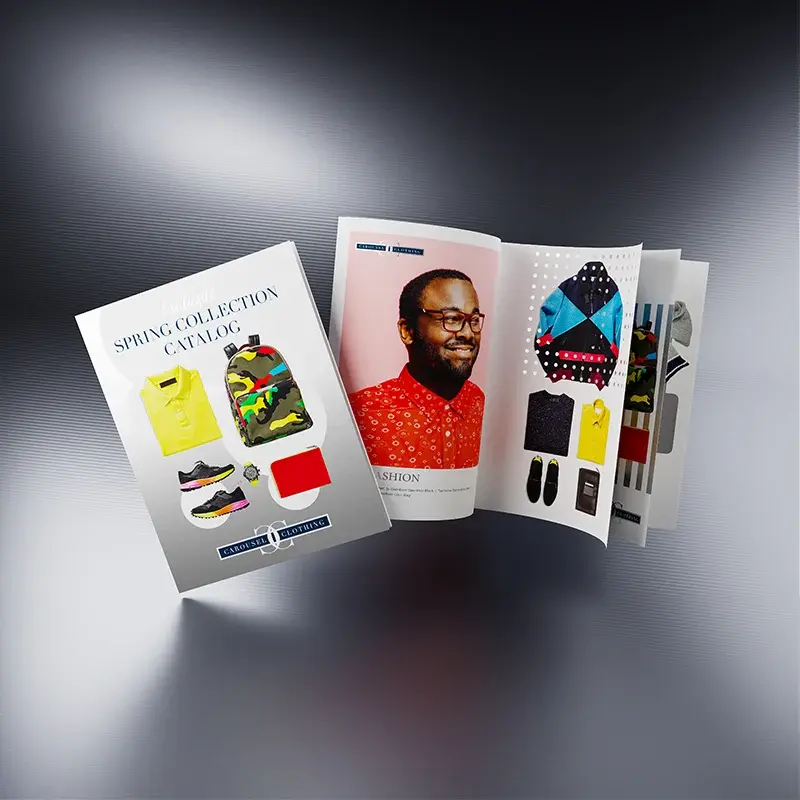
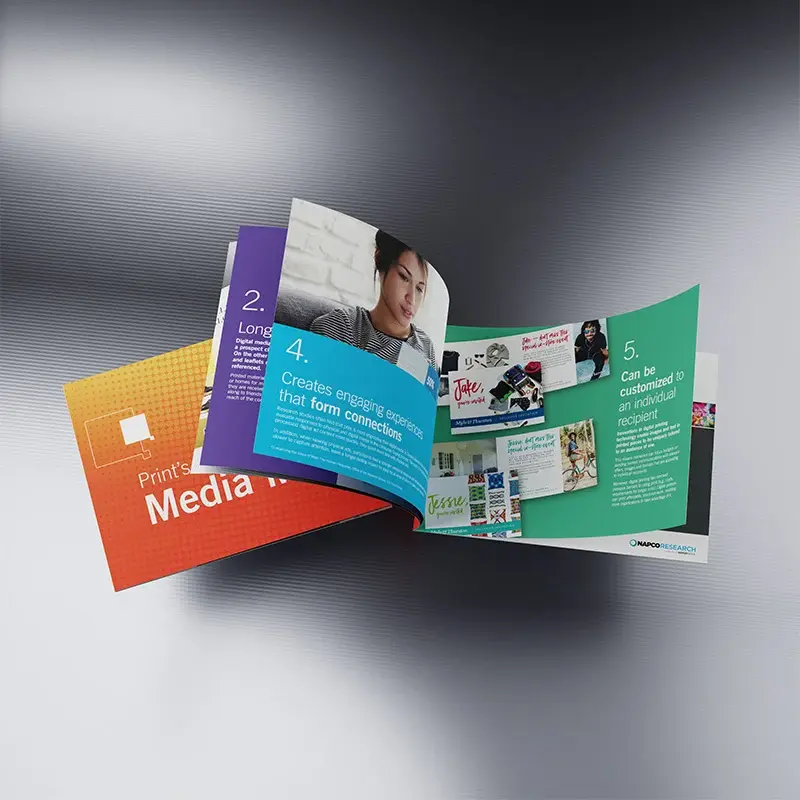
Close-up of curved, colourful printed catalogue pages

brochures, booklets & mixed-media work

Bring covers, text pages and inserts together for catalogues, training manuals and customer information packs. Different stocks can give each part of the document its own purpose, from a durable cover to lighter internal pages.

Choose compatible folding, trimming and booklet-making equipment around the finished format. Paper weight, page count and fold direction all affect the result.

explore finishing
Ricoh personalised printed communications demonstrating variable data

direct mail with a personal message

Use variable-data printing to change names, offers, messages and images within a run. It gives direct mail, promotional offers and customer communications more flexibility than a single design printed identically for everyone.

A suitable digital front end and composition software bring the artwork and data together. Check data accuracy, address placement and a representative proof before releasing the job.

Ricoh collection of artwork for special-colour print applications

speciality stocks & short-run packaging

Explore textured papers, selected metallic stocks and short-run packaging applications. The stock itself can become part of the design, with special-toner accents providing another option for covers and promotional pieces.

Confirm the particular material and coating, then test feeding, toner adhesion and the intended crease or fold. A supported paper weight alone does not establish that every speciality substrate is suitable.

explore fifth-colour effects
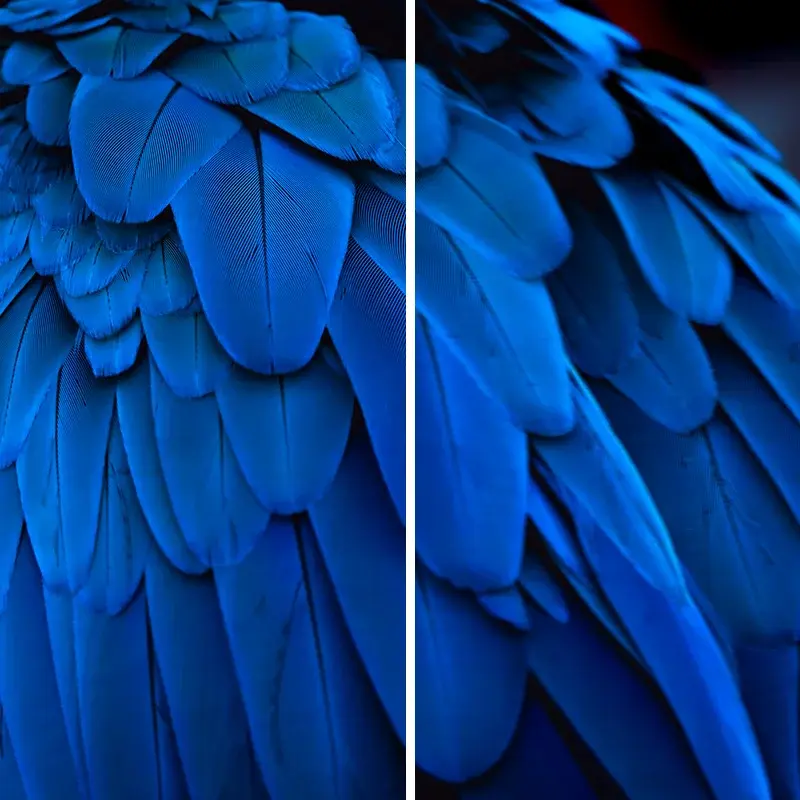
Blue feather image comparison from Ricoh’s media-library guidance

repeatable media setup

The Media Library stores paper settings for repeat work. The Media Identification Unit helps match a stock to library settings, giving operators a starting point when introducing new media.

Register the selected stock, proof image quality and front-to-back alignment, then retain the working settings for the next run. This connects creative media choices with a repeatable production process.

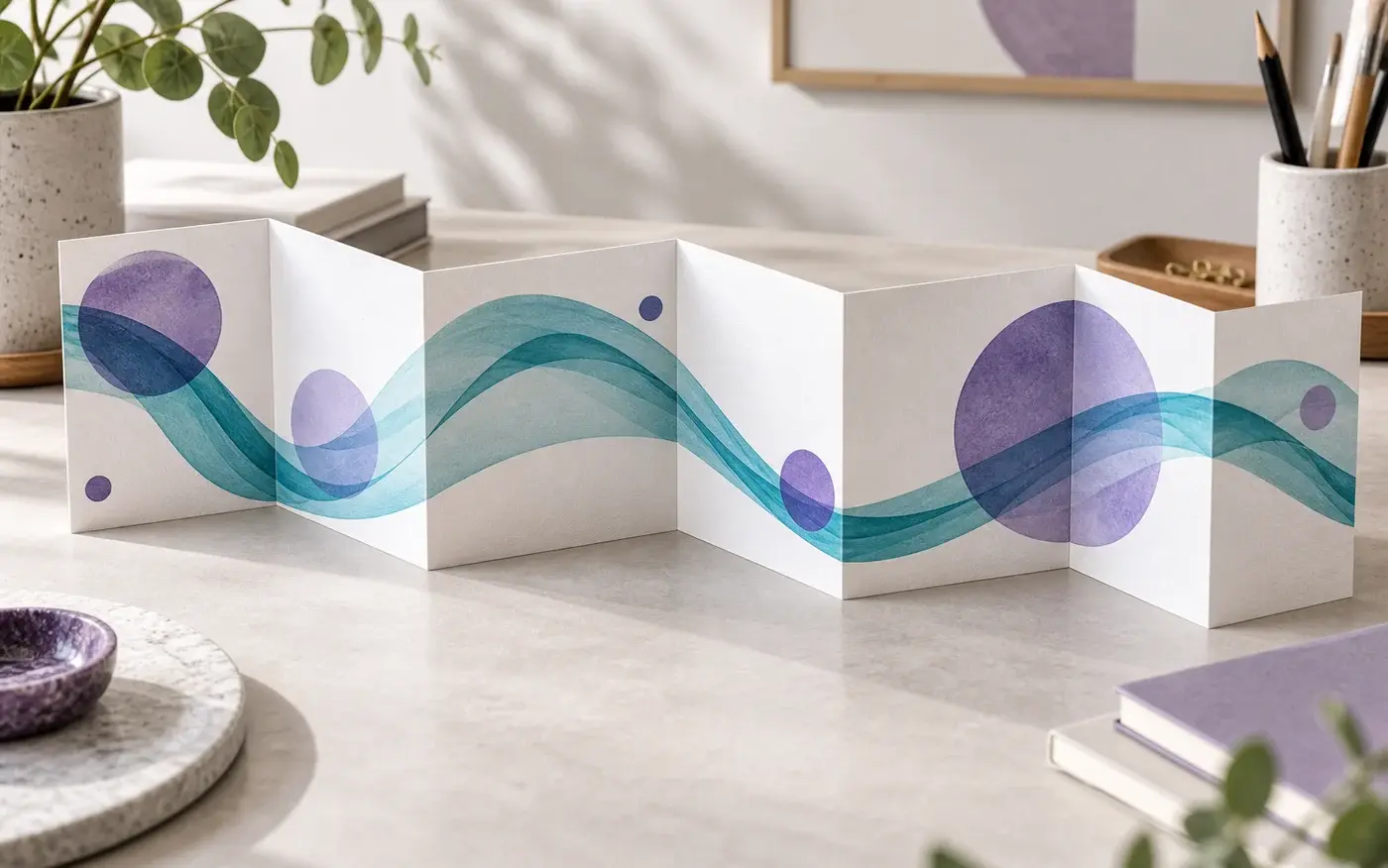
Illustration: Long concertina folded marketing sheet on a workbench.

more room for fold-outs and extended formats

Long sheets can support extended covers, fold-outs and promotional formats that do not fit a conventional sheet. Plan the flat artwork size and finished folds together, then select a compatible feeding and output path. The 1,260 mm maximum sheet length is not a promise of duplex printing or inline finishing at that length.

check sheet and equipment specifications

Application illustration; not a production sample.

colour & fifth station

colour that adds another dimension.

Use the optional fifth station to add a special toner beyond CMYK, then build the artwork, media profile and colour-control workflow around the effect.

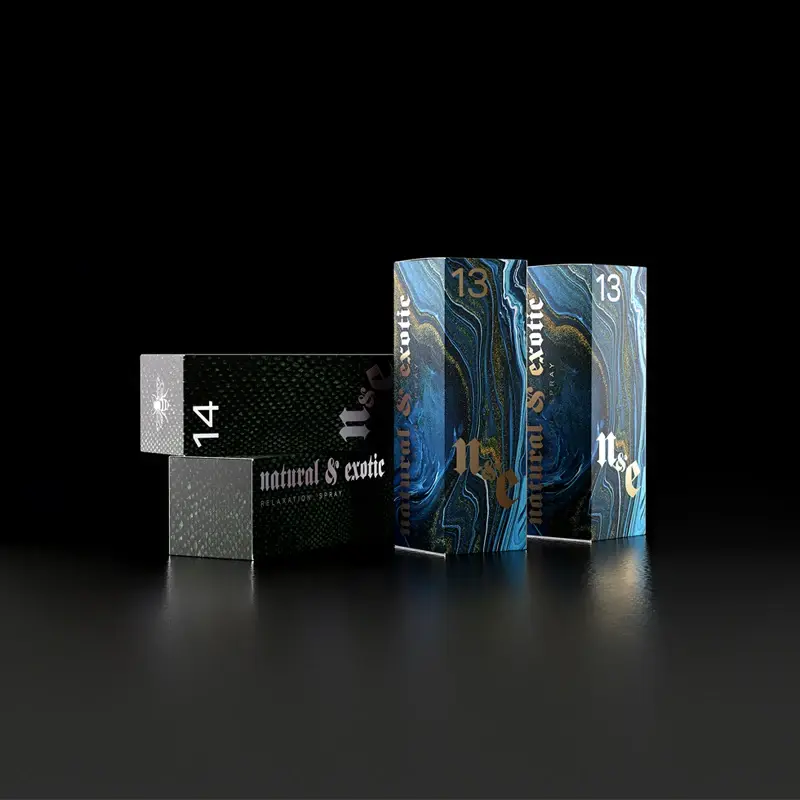
Ricoh sample packaging demonstrating gold and silver print effects

gold and silver, with purpose

Metallic toner can bring emphasis to a cover, an invitation or promotional packaging. Gold and silver can also be combined with process-colour artwork to create different metallic shades, including rose-gold and blue-silver effects.

Specify the fifth-station configuration and selected toner for the application. Gold and silver are separate toner choices—not two additional stations running together.

Fluorescent portrait artwork used by Ricoh to illustrate neon colour possibilities
Ricoh illustrative artwork for neon colour applications.

neon pink & neon yellow

Give promotional graphics, retail materials and event print a more vivid colour treatment. Neon toner can be used as a design accent or combined with process-colour artwork to explore colours beyond a conventional CMYK treatment.

The selected toner, artwork and colour profile determine the effect. Review a physical sample: a screen cannot reproduce the appearance of fluorescent print.

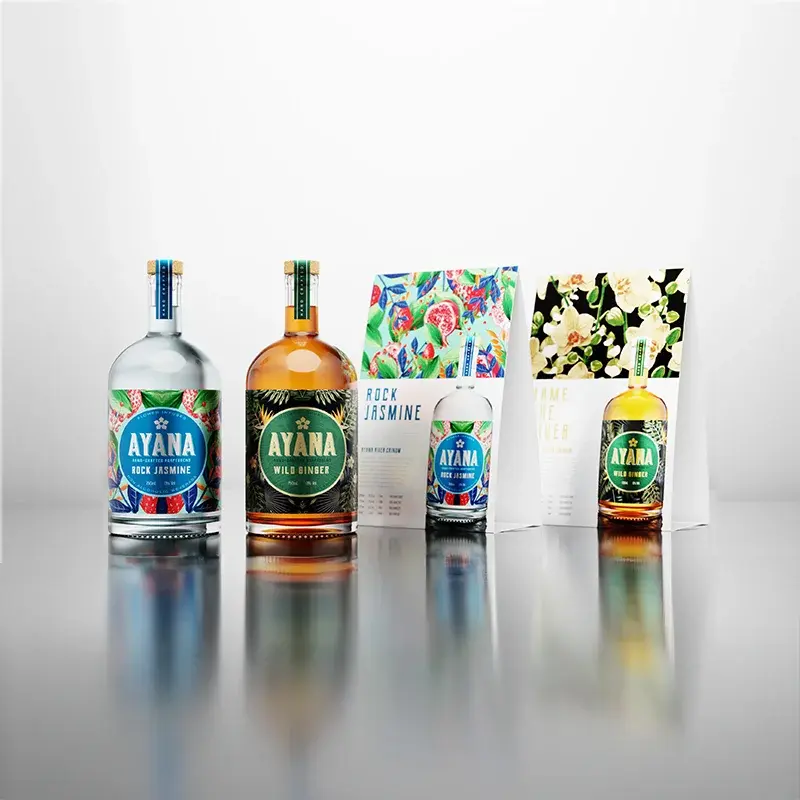
Ricoh bottle advertisement sample from its white and clear toner examples
Ricoh promotional print examples; the press prints sheets, not bottles.

white & clear, two different effects

White can form a base beneath colour on suitable dark or translucent media, or stand on its own as a visible design element. Clear creates selective accents over graphics, photographs or logos.

These are separate toner choices. Specify the intended layer sequence and media; discuss additional passes if a design calls for more than one special toner.

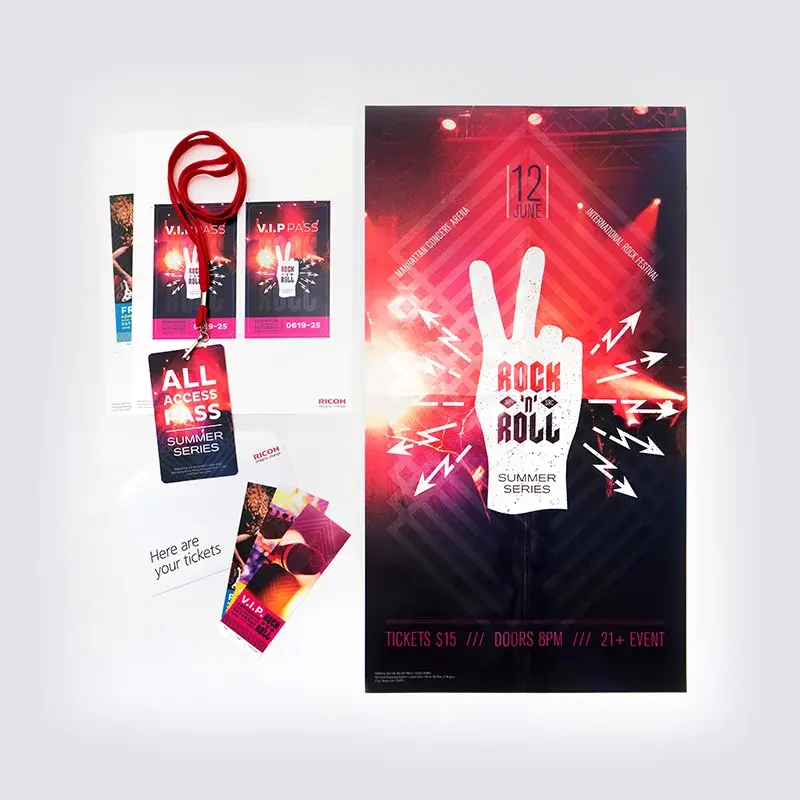
Ricoh event poster, ticket and pass samples used to illustrate security-print applications
Event-print application examples. The UV response is not shown in this photograph.

invisible red under UV light

UV-responsive toner can add a verification mark to tickets, certificates and other documents. The mark becomes visible under suitable UV light, creating a different application from a decorative metallic or neon effect.

Plan how the document will be checked as well as how it will be printed. Invisible red is one element of an authentication process, not a stand-alone guarantee against counterfeiting.

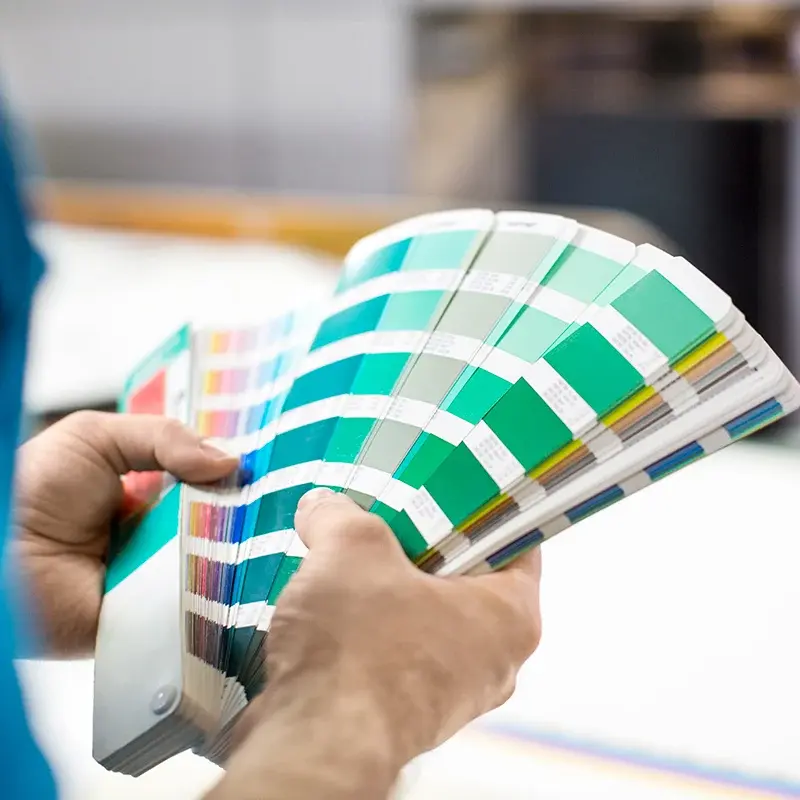
Hands holding a printed colour swatch fan

choose the effect. plan the job.

  1. Start with the finished piece. Decide where the special effect will add value: a cover, an invitation, a promotional graphic or a verification mark.
  2. Match toner and media. Check the stock, artwork layers, colour profile and any additional passes.
  3. Review a physical proof. Look at the effect under its intended lighting, then check folding, trimming and other finishing.

White, clear, neon pink, neon yellow, gold, silver and invisible red are alternatives for one fifth station—not seven extra stations operating together.

Ricoh sample imagery illustrates possible applications. Metallic, clear, fluorescent and UV effects vary with lighting and cannot be judged fully on a screen. Ask to see a printed sample for your proposed stock and artwork.

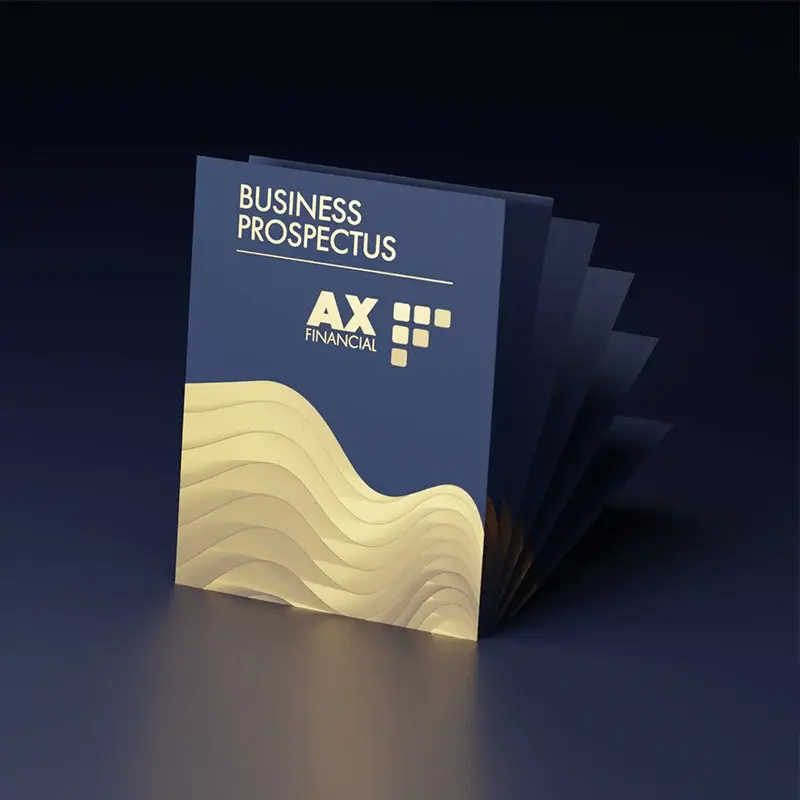
Business prospectus cover with gold-coloured design and fanned pages

detail, registration and consistency

VCSEL imaging and PxP toner support fine text, line work and image detail. Ricoh Australia lists 2,400 × 4,800 dpi output, with an engine resolution of 1,200 × 4,800 dpi. Inline sensors and registration adjustments help manage alignment and colour consistency during production.

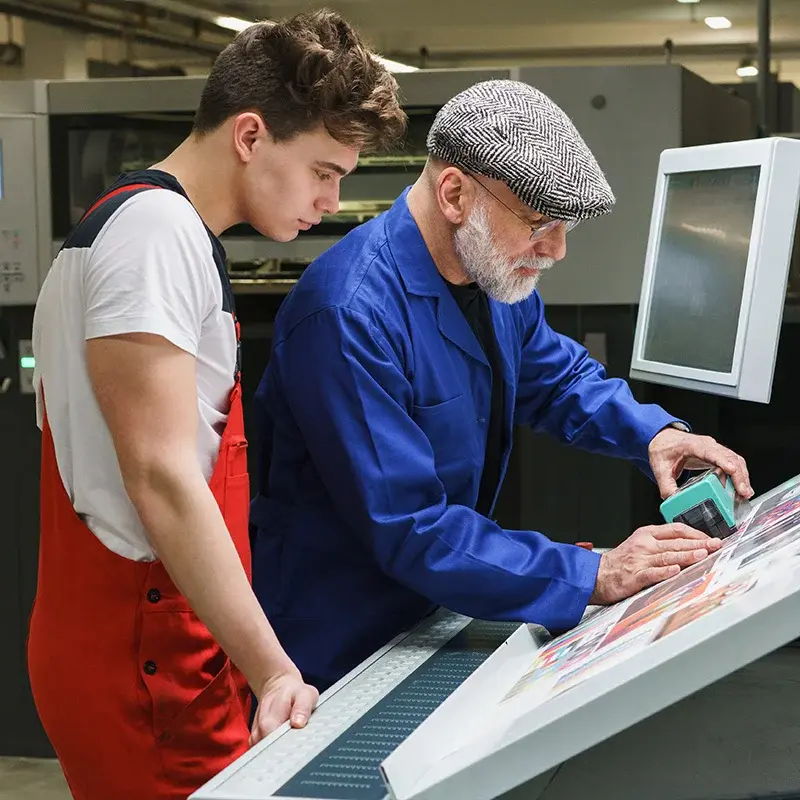
Two print-room workers checking a print proof beside production equipment

connect colour control to your workflow

Combine press calibration, appropriate media profiles and proofing procedures for colour-critical jobs. Where a wider colour-management workflow is required, explore Ricoh Auto Colour Adjuster alongside the selected controller and production process.

productivity

keep the job moving, from file to output.

Press speed matters, but so do job preparation, media setup, operator access and the flow of finished work. Configure these together for your production mix.

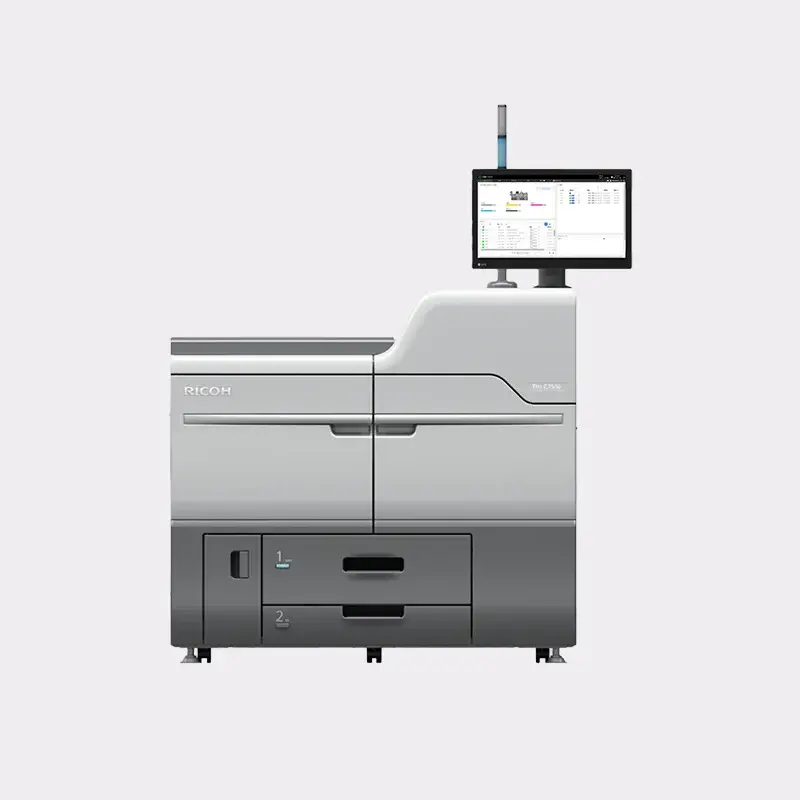
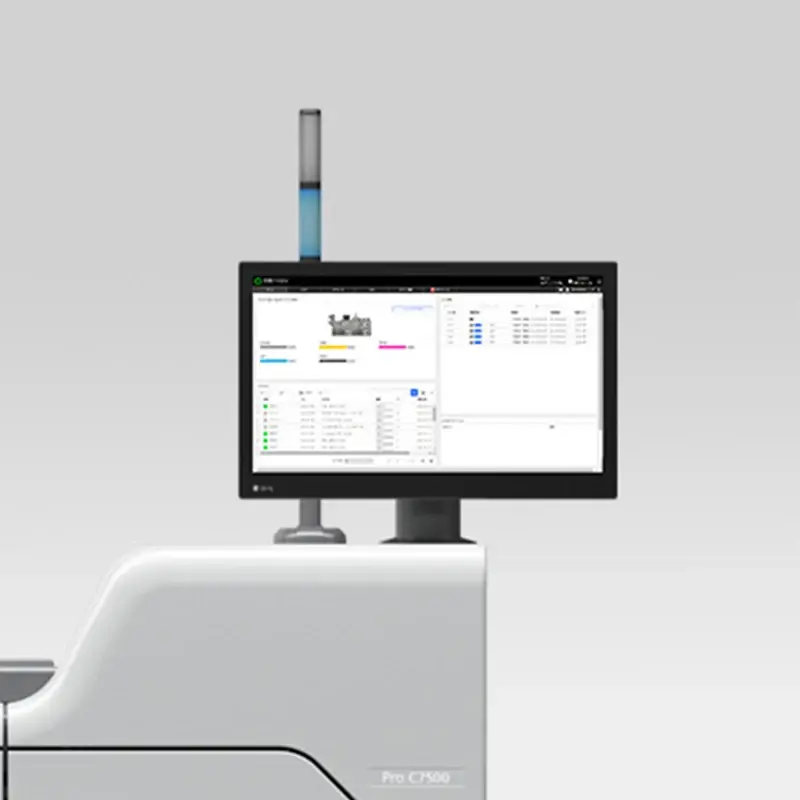
Ricoh Pro C7500 operator touchscreen and status indicator

a production-focused control surface

The 21.5-inch Full HD touchscreen brings press status and job controls into the operator workspace. Review paper and supply status, machine configuration and job settings from the panel.

Optional Fiery Color Controllers N-50A and N-70A provide alternative digital front ends for colour and production workflows. Select the controller and licensed software around file processing, personalisation, colour management and workflow integration.

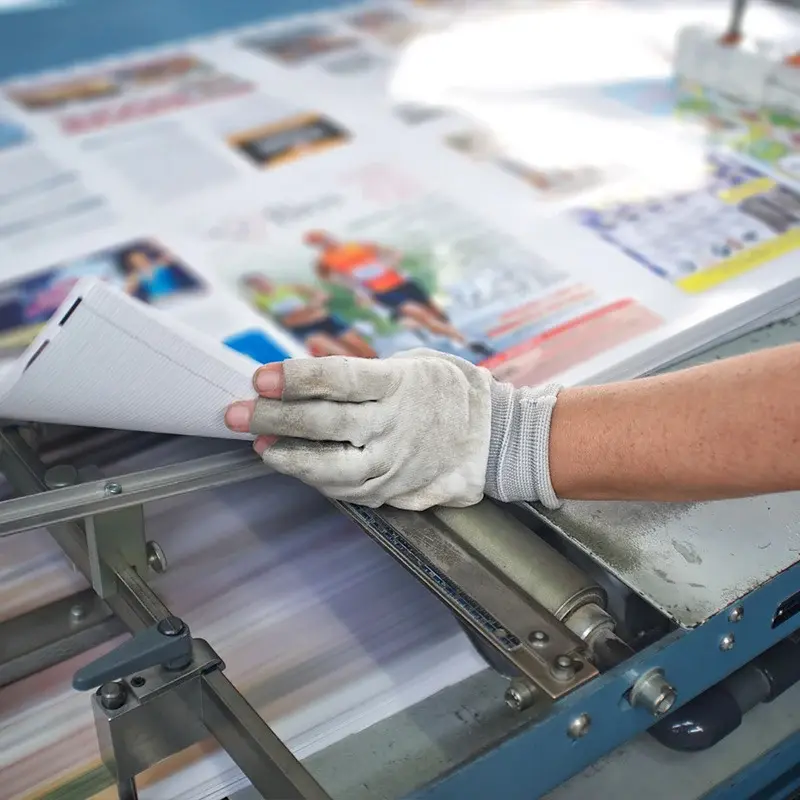
Gloved worker checking or handling a stack of printed sheets

85 ppm, upgradeable to 95 ppm

Standard A4 long-edge-feed speed is 85 pages per minute. The optional Productivity Upgrade Unit Type S14 raises this to 95 ppm. Actual job throughput depends on media, sheet size, processing, colour sequence and finishing—not just rated engine speed.

media flexibility for premium applications

feeding capacity for the work ahead

Choose vacuum-feed and stacking options around the stocks and run lengths you use. Ricoh lists a maximum input capacity of 16,200 sheets with the appropriate options; the installed configuration determines the actual capacity.

Long-sheet production also needs a compatible feeder and output path. Plan loading, changeovers and collection alongside the press speed.

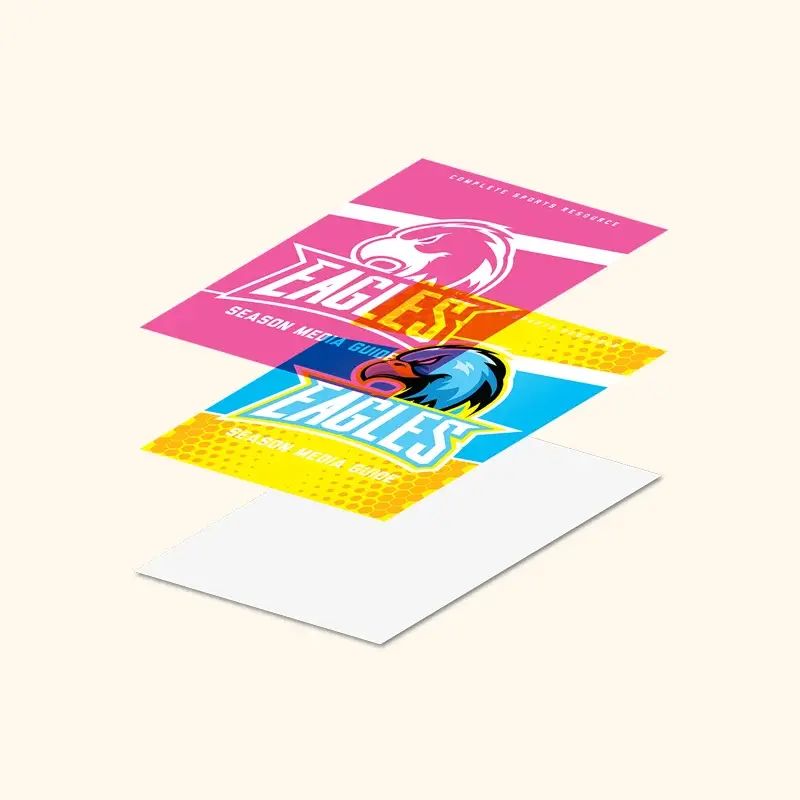
Exploded CMYK layers of a colourful skateboard promotional print

less repeated setup

Stored media settings and automated inline adjustments help operators prepare repeat jobs and maintain output. Retain proven settings for recurring work and check new media before the full run.

The Media Library connects paper selection with image-quality settings. It provides a starting point for preparation rather than replacing the need to proof the actual job.

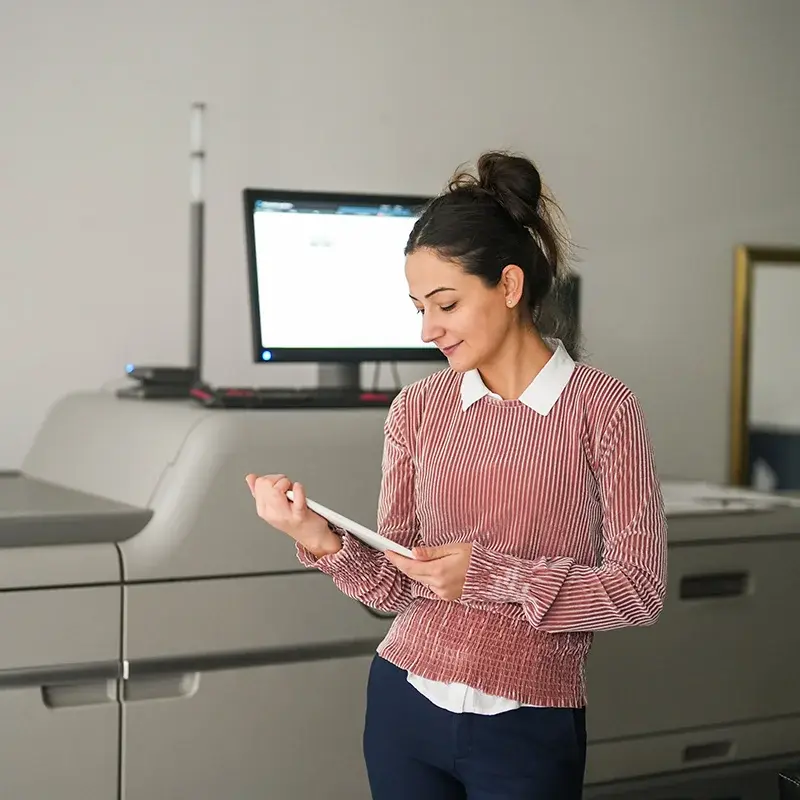
Operator holding a tablet beside a Ricoh production press

clear status for everyday operation

Tray indicators help operators see which trays are in use when planning paper replacement. On-screen jam guidance supports the steps needed to clear a paper-path interruption.

Clear machine status and accessible controls help operators manage the work between jobs as well as during a run.

finishing

the finished piece is the goal.

Plan finishing at the same time as print. The selected sheet size, stock and run length influence which output path is suitable.

Ricoh promotional print samples in several finished formats

from printed sheets to usable products

Configure compatible folding, punching, trimming, stacking and booklet-making options around the work. A brochure run, a mixed-media manual and a long-sheet promotion do not necessarily use the same equipment path.

  • Ricoh SR5110 and SR5120 finishing options for appropriate output workflows.
  • TR5050 trimming with compatible booklet finishing and FD5030 multi-folding options.
  • High-capacity stacking and long-sheet output options where the application requires them.

Finishing limits vary by module, stock and booklet construction. Check the complete combination rather than assuming that the press’s maximum media range also applies to every finisher.

Hands holding finished full-colour booklet with Embrace Change cover beside laptop; strong finishing/application image.

Plockmatic booklet-making options

Ricoh Australia lists PBM5035 and PBM5035S options within the C7500 configuration information. For a PBM5000-series workflow, discuss the required interface, staple or stitch version, booklet format and paper stock as one system.

Long folded concertina brochure showing different print media and page imagery

feeding and output must work together

Vacuum-feed, banner-sheet and stacker choices influence how operators load and collect work. Long-sheet jobs require a compatible route from the feeder through the engine to the output module.

specifications

the details that matter.

Review the key figures, then open the full specification groups for the press and its listed options.

key specifications

Print speed
85 ppm A4; 95 ppm with optional Productivity Upgrade Unit Type S14
Print resolution
2,400 × 4,800 dpi; engine resolution 1,200 × 4,800 dpi
Maximum sheet size
330.2 × 1,260 mm with suitable options
Maximum printable area
323 × 1,252 mm
Media weight
40–470 g/m² via optional vacuum-feed trays
Colour enhancement
Optional fifth colour station

full specifications

Configuration
Functions
Print
Colour
Yes
Printer controller - standard
RICOH GC OS
Printer controller - optional
Color Controller N-50A Color Controller N-70A
Operation panel
21.5" Full HD touchscreen
Physical dimensions
Physical dimensions (WxDxH)—mainframe
1,320 x 910 x 1,218 mm
Physical dimensions (WxDxH)—other
1,320 x 910 x 1,816 mm—mainframe with Attention Light 495 x 530 x 175 mm—A3/11"x 17" Tray Unit TK5010 (internal) 1,054 x 730 x 1,000 mm—Vacuum-Feed LCIT RT5150 1,290 x 730 x 1,000 mm—Vacuum-Feed LCIT RT5150 with Vacuum-Feed Banner Sheet Tray Type S9 attached 1,519 x 730 x 1,000 mm—Vacuum-Feed LCIT RT5150 with Extension Vacuum-Feed Banner Sheet Tray Type S14 attached 330 x 730 x 1,000 mm—Bridge Unit BU5010 690 x 561 x 210 mm—Multi-Bypass Tray BY5020 1,290 x 730 x 1,000 mm—Vacuum-Feed Banner Sheet Tray Type S9 1,290 x 730 x 1,302 mm—Vacuum-Feed Banner Sheet Tray Type S9, with cover open 1,519 x 730 x 1,000 mm—Extension Vacuum-Feed Banner Sheet Tray Type S14, when attached to Vacuum-Feed LCIT RT5150 1,090 x 561 x 210 mm—Multi-Bypass Banner Sheet Tray Type S9, when attached to Multi-Bypass Tray BY5020 730 x 1,220 x 1,090 mm—Plockmatic LCT3500 2.0 1,688 x 1,286 x 950 mm—BDT VX 370-1280 Feeder 330 x 730 x 1,010 mm—Buffer Pass Unit Type S9 1,113 x 730 x 1,490 mm—Finisher SR5110 1,334 x 730 x 1,622 mm—Finisher SR5110 with SR5000 Series Output Tray for Banner Sheet Type S6 1,876 x 730 x 1,617 mm—Finisher SR5110 with Extension Output Banner Sheet Tray Type S14 (installed on the upper tray) 1,926 x 730 x 1,617 mm—Finisher SR5110 with Extension Output Banner Sheet Tray Type S14 (installed on the lower tray) 1,113 x 730 x 1,490 mm—Booklet Finisher SR5120 1,334 x 730 x 1,622 mm—Booklet Finisher SR5120 with SR5000 Series Output Tray for Banner Sheet Type S6 1,876 x 730 x 1,617 mm—Booklet Finisher SR5120 with Extension Output Banner Sheet Tray Type S14 (installed on the upper tray) 1,926 x 730 x 1,617 mm—Booklet Finisher SR5120 with Extension Output Banner Sheet Tray Type S14 (installed on the lower tray) 1,115 x 591 x 555 mm—Trimmer Unit TR5050 740 x 730 x 1,350 mm—Cover Interposer CI5040 209 x 730 x 1,000 mm—Multi-Folding Unit FD5030 900 x 730 x 1,010 mm—High-Capacity Stacker SK5040 1,200 x 700 x 1,100 mm—Plockmatic High-Capacity Stacker HCI3500 900 x 680 x 1,060 mm—Plockmatic Multi-Purpose Stacker MPS1260 1,420 x 700 x 970 mm—Plockmatic PBM 5035S/PBM 5035, including stacker
Weight—mainframe
590 kg or less—4-station; 610 kg or less—5-station
Weight—other
10 kg or less—A3/11"x 17" Tray Unit TK5010 230 kg or less—Vacuum-Feed LCIT RT5150 40 kg or less—Bridge Unit BU5010 20 kg or less—Multi-Bypass Tray BY5020 9 kg or less—Vacuum-Feed Banner Sheet Tray Type S9 23 kg or less—Extension Vacuum-Feed Banner Sheet Tray Type S14 9.5 kg or less—Multi-Bypass Banner Sheet Tray Type S9 250 kg—Plockmatic LCT3500 2.0 443 kg—BDT VX 370-1280 Feeder 90 kg or less—Buffer Pass Unit Type S9 135 kg—Finisher SR5110 160 kg—Booklet Finisher SR5120 75 kg—Trimmer Unit TR5050 60 kg—Cover Interposer CI5040 45 kg or less—Multi-Folding Unit FD5030 131 kg or less—High-Capacity Stacker SK5040 135 kg or less—High-Capacity Stacker SK5040 with roll-away cart 250 kg—Plockmatic High-Capacity Stacker HCI3500 65 kg—Plockmatic Multi-Purpose Stacker MPS1260 lift unit 5 kg—Plockmatic Multi-Purpose Stacker MPS1260 docking unit
Minimum space requirements
1,000 mm—front 1,000 mm—left 1,000 mm—right 800 mm—rear
Reliability
Max monthly volume
240,000 prints
Machine life
14,400,000 prints or 5 years, whichever comes first
Duty cycle
1,500,000 prints—85 ppm; 1,700,000 prints—95 ppm
Supply yields
Supply yields
67,000 sheets—black 67,000 sheets—cyan 67,000 sheets—magenta 67,000 sheets—yellow 19,000 sheets—white 29,200 sheets—neon yellow 29,200 sheets—neon pink 21,500 sheets—invisible red 22,500 sheets—gold 22,500 sheets—silver Note: CMYK and gold toner yields are measured with the A4/8.75% coverage chart with 50 pages per job. White neon yellow, neon pink, invisible red, and silver toner yields are measured with the A4/15% coverage chart with 50 pages per job. 136,000 sheets per waste toner bottle Note: Waste toner bottle yield based on A4/8.75% coverage chart with 50 pages per job, 80% colour ratio. 5,000 staples per Type X cartridge for Finisher SR5110 and Booklet Finisher SR5120—side staple 5,000 staples per Type U cartridge for Booklet Finisher SR5120—saddle stitch staple 5,000 staples per Type X refill cartridge for Finisher SR5110 and Booklet Finisher SR5120—side staple 5,000 staples per Type T refill cartridge for Booklet Finisher SR5120—saddle stitch staple
Media handling
Standard input capacity (sheets)
2,500
Maximum input capacity (sheets)
16,200
Maximum output capacity (sheets)
13,000
Paper input configuration - standard
1,000-sheet x 2 paper input tray 1, 500-sheet paper input tray 2, 500-sheet bypass tray, duplex unit
Paper input configuration - optional
1,000-sheet A3/11"x 17" Tray Unit TK5010, 4,400-sheet Vacuum-Feed LCIT RT5150, Bridge Unit BU5010, 500-sheet Multi-Bypass Tray BY5020, 730-sheet Vacuum-Feed Banner Sheet Tray Type S9, 500-sheet Extension Vacuum-Feed Banner Sheet Tray Type S14, 500-sheet Multi-Bypass Banner Sheet Tray Type S9, 3,500-sheet Plockmatic LCT3500, BDT VX 370-1280 Feeder
Paper output configuration - optional
Buffer Pass Unit Type S9, Multi-Folding Unit FD5030, High-Capacity Stacker SK5040, 3,500-sheet Booklet Finisher SR5120, 4,500-sheet Finisher SR5110, Punch Unit PU5030, Trimmer Unit TR5050 for Booklet Finisher SR5120, 400-sheet Cover Interposer CI5040
Paper output configuration - 3rd Party
GBC e-Wire, GBC StreamPunch Plus, Plockmatic HCI3500 High-Capacity Interposer, Plockmatic CT XL, Plockmatic PBM350e, Plockmatic MPS1260 Multi-Purpose Stacker, Plockmatic PBM5035S long sheet stitcher, Plockmatic 5035 long sheet stapler, Plockmatic SBT (Square Back Trimmer), Plockmatic RCT v.3.0
Supported media
Standard paper input tray 1 Plain, Recycled, Prepunched Paper, Textured Paper Standard paper input tray 2 Plain, Recycled, Prepunched Paper, Transparency, Tab Stock, Translucent Paper, Textured Paper Bypass tray Plain, Recycled, Prepunched Paper, Transparency, Tab Stock, Translucent Paper, Envelope Note: High Gloss, Coated: Glossy, Coated: Matte, Textured Paper, and Synthetic Paper can be fed but quality is not guaranteed. Optional A3/11"x 17" Tray Unit Plain, Recycled, Prepunched Paper, Textured Paper Optional Vacuum-Feed LCIT RT5150 Plain, Recycled, Prepunched Paper, Transparency, Tab Stock, Translucent Paper, Label Paper, Coated: High Gloss, Coated: Glossy, Coated: Matte, Envelope, Textured Paper, Tab Stock: Glossy, Tab Stock: Matte, Tab Stock: High Gloss, Envelope: Glossy, Envelope Matte, Envelope: High Gloss, Carbonless Paper Note: Magnetic Paper, Metallic/Pearl Paper, Clear File Folder, and Synthetic Paper can be fed but quality is not guaranteed. Optional banner sheet tray Plain, Recycled, Prepunched Paper, Coated: High Gloss, Coated: Glossy, Coated: Matte, Textured Paper, Carbonless Paper Note: Magnetic Paper, Label Paper, Transparency, Metallic/Pearl Paper, Clear File Folder, and Synthetic Paper can be fed but quality is not guaranteed.
Maximum paper size
330.2 x 1,260 mm
Media weight (g/m2)
40–470
Connectivity
Interfaces - standard
10Base-T/100Base-Tx (Ethernet) 1000Base-T (Gigabit Ethernet)—for TotalFlow Advisor connection 2.5GBase-T—for Fiery controller connection SD slot x 2— for maintenance only USB 3.0 x 4, USB 2.0 x 2
Network protocols - standard
TCP/IP (IPv4, IPv6)
Interfaces - optional
With Color Controller N-50A 10Base-T/100Base-Tx (Ethernet) 1000Base-T (Gigabit Ethernet) USB 2.0 x 4—rear USB 3.0 x 5—2 ports on the rear, 3 ports on the Fiery Quick Touch operation panel With Color Controller N-70A 10Base-T/100Base-Tx (Ethernet) 1000Base-T (Gigabit Ethernet) USB 3.0 x 7—rear USB 3.0 x 4 ports, x3 ports on the Fiery Quick Touch operation panel
Network protocols - optional
With Color Controller N-50A/N-70A Windows—TCP/IP Mac—TCP/IP, EtherTalk (for font download), Bonjour
Print features
Print speed colour
85 ppm—A4 LEF 49 ppm—A3 SEF With optional Productivity Upgrade Unit Type S14 95 ppm—A4 LEF 53 ppm—A3 SEF
Print speed black and white
85 ppm—A4 LEF 49 ppm—A3 SEF With optional Productivity Upgrade Unit Type S14 95 ppm—A4 LEF 53 ppm—A3 SEF
Printing process
4-drum or 5-drum dry electrostatic transfer system with internal transfer belt
Printing technology
Vertical-cavity surface-emitting laser (VCSEL)
Fusing
Oil-less belt-fusing method
Toner development
PXP-EQ chemical toner, polymerisation
Print resolution
2,400 x 4,800 dpi Note: Engine print resolution is 1,200 x 4,800 dpi.
Duplex printing
Standard
Envelope printing
Supported—with optional Vacuum-Feed LCIT RT5150
Maximum printable area
320 x 480 mm 323 x 1,252 mm—with optional banner sheet tray
Security features
Other security features
The OneDFE controller security is based on the EFI Fiery security policy that is compliant with the FS500 Pro system. Contact your local sales company for more information.
Software and solutions
Standard
@Remote TotalFlow Adviser
Optional
InfoPrint Manager Ricoh ProcessDirector TotalFlow Prep TotalFlow Production Manager TotalFlow BatchBuilder RICOH Supervisor TotalFlow Producer FusionPro VDP Creator FusionPro Expression Ricoh Auto Color Adjuster OL PlanetPress Connect Fiery Workflow Suite
Environmental features
Power source
220–240 V, 16 A, 50/60 Hz
Power consumption
4,800 W or less—maximum power 35 W or less—Energy Saver Mode (Sleep Mode)
Power consumption—options
1,000 W or less—4,400-sheet Vacuum-Feed LCIT RT5150 200 W or less—Buffer Pass Unit Type S9 60 W or less—Multi-Folding Unit FD5030 150 W or less—Finisher SR5110 150 W or less—Booklet Finisher SR5120 250 W or less, maximum—Trimmer Unit TR5050 75 W or less, average—Trimmer Unit TR5050 110 W excluding peak consumption—Cover Interposer CI5040
Warm-up time
300 seconds or less Note: Based on 23C˚, rated voltage, and full options.
Sound power level
Mainframe 58.5 dB or less—standby 78.5 dB or less—operating System 61 dB or less—standby, 85 ppm 64 dB or less—standby, 95 ppm 81.5 dB or less—operating
Reduction of environmentally sensitive materials
RoHS Less than 0.1 wt%—Lead, PVC, Hexavalent chromium, Cadmium, PBB/PBDE, DEHP, DBP, BBP, DIBP
Energy saving standards
Energy Star 3.2—with OneDFE controller
Safety standards
EN60950-1 IEC60950-1 KC 62368-1 CNS 15998-1
Electromagnetic Compatibility (EMC) standards
EN55032 Class A EN61000-3-2 EN61000-3-3 EN55035 EN62311 KS C 9832 KS C 9835 KS C 9610-4-2 KS C 9610-4-3 CNS15936 Class A
Identification of plastic components
All plastic components that weigh more than 100 g are identified in accordance with ISO 11469 standards.
Laser standards
EN60825-1 IEC60825-1

let’s talk print

your next chapter
starts with a conversation.

Tell us what you print, your volumes and where you want to go. We’ll help you explore the next step.

1300 189 476