

repeat orders and customer samples
Compare a previous printed piece with the intended new output. Keep the paper and viewing conditions consistent when agreeing what the customer expects from a repeat job.
RACA · supporting colour-management solution
Simplify colour adjustment, matching and verification across compatible production print systems with automated chart scanning and ICC profiling.
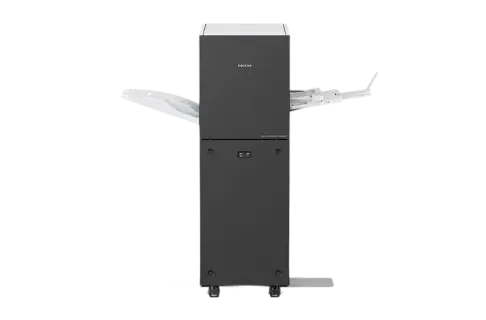
Bring measurement, profile creation and verification into your production workflow. Ricoh Auto Colour Adjuster helps teams work towards consistent colour across compatible devices and repeat orders.
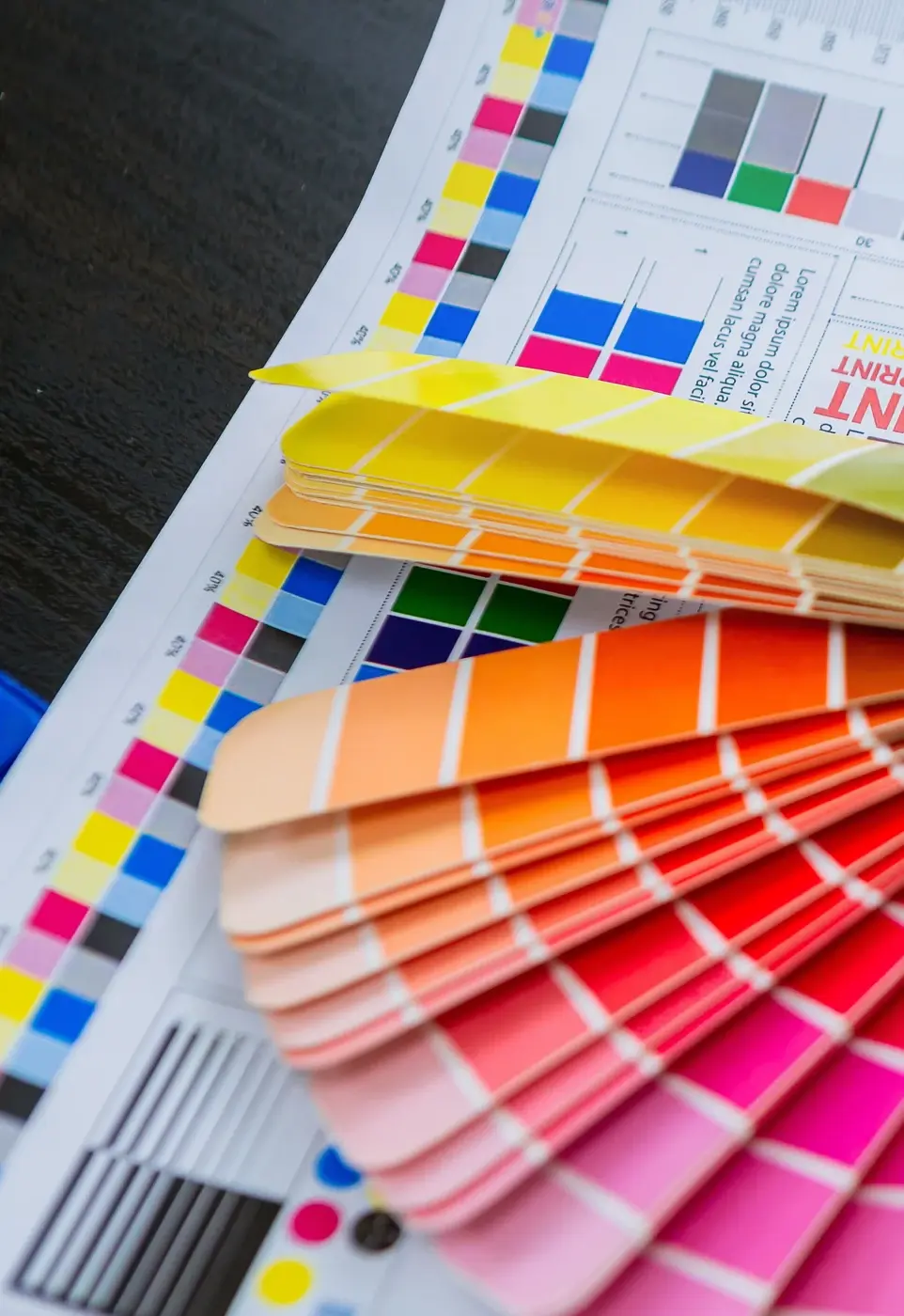
Use a repeatable process when work needs to match an approved printed sample.
explore colour matching
Make colour decisions using measurements as well as visual assessment.
explore profiles & verification
Define a practical routine that the team can follow and repeat.
explore production workflowCheck the technical details and equipment options for your workflow.
Use a repeatable process when work needs to match an approved printed sample.
Compare a previous printed piece with the intended new output. Keep the paper and viewing conditions consistent when agreeing what the customer expects from a repeat job.

A shared colour-management approach can help when a job moves between presses. Assess the printer, controller, software and media combination before treating different devices as interchangeable.
Make colour decisions using measurements as well as visual assessment.
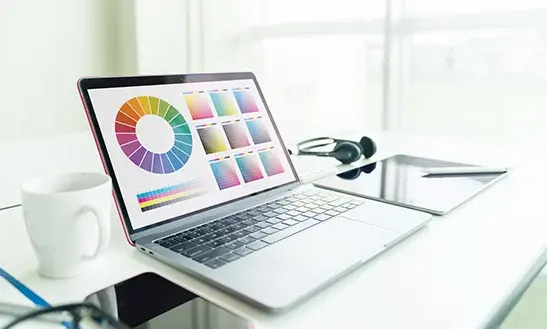
Ricoh Auto Colour Adjuster uses spectral measurement to support automated ICC profile creation. The profile belongs to a particular printing condition, including the device and paper, rather than every possible job.

Colour verification helps identify when output has moved away from the target. Agree the measurement routine and acceptance criteria so operators know when work is ready and when adjustment is needed.
Define a practical routine that the team can follow and repeat.
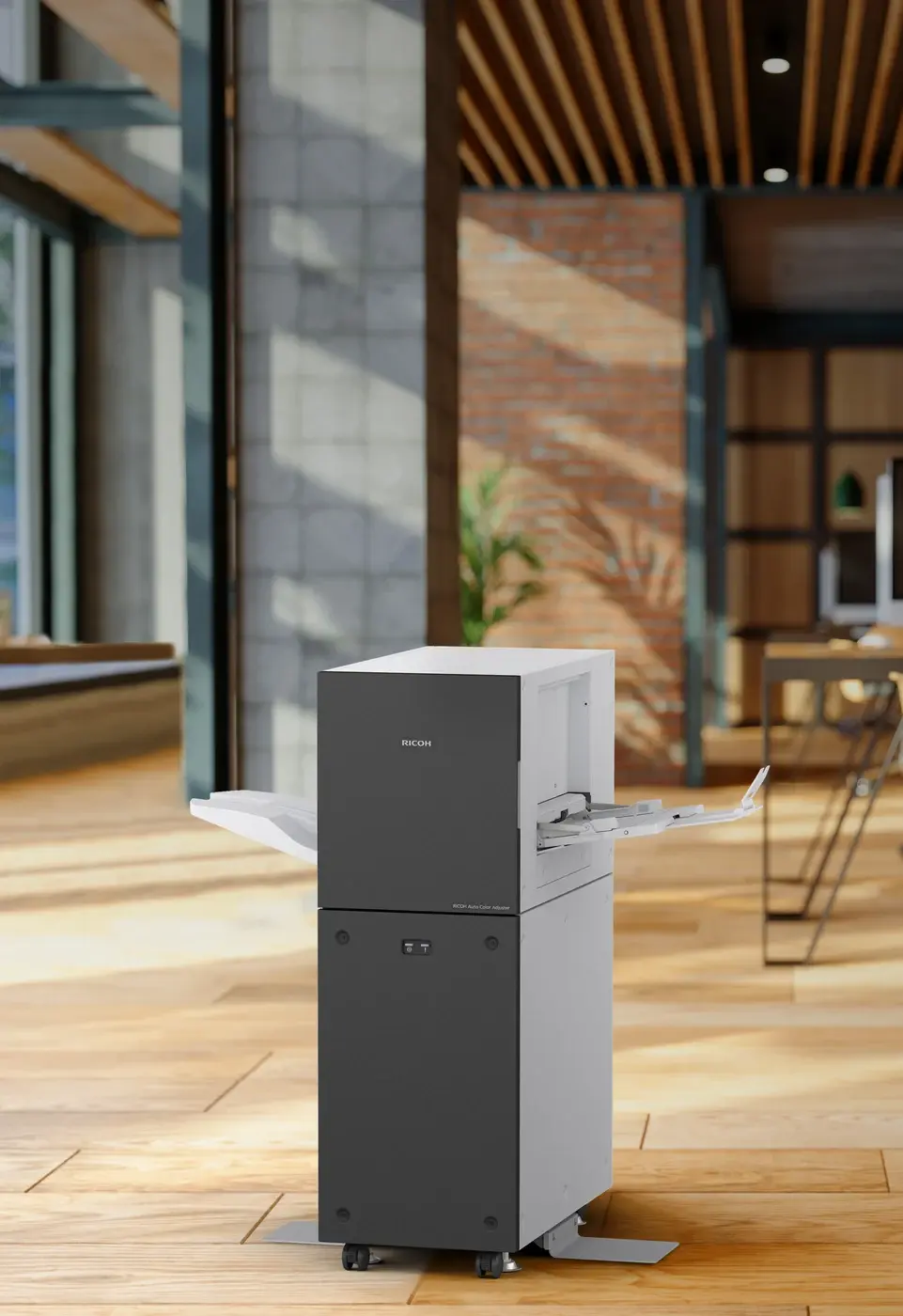
Use the system's automation to reduce repeated manual colour-adjustment work. Keep reference samples, media details and profile names organised so a repeat order starts with known information.

Confirm supported presses, controllers, software versions and workflow requirements with ion. Plan initial profiling and ongoing verification together; the system does not remove the need to maintain the press or approve the finished output.
Review the key figures and the listed equipment options for this system.
let’s talk print
Tell us what you print, your volumes and where you want to go. We’ll help you explore the next step.