- Print speed colour
- 46.7 m² /h—4-colour outdoor standard
25.0 m² /h—4-colour indoor standard
7.7 m² /h—white layer printing
- Printing process
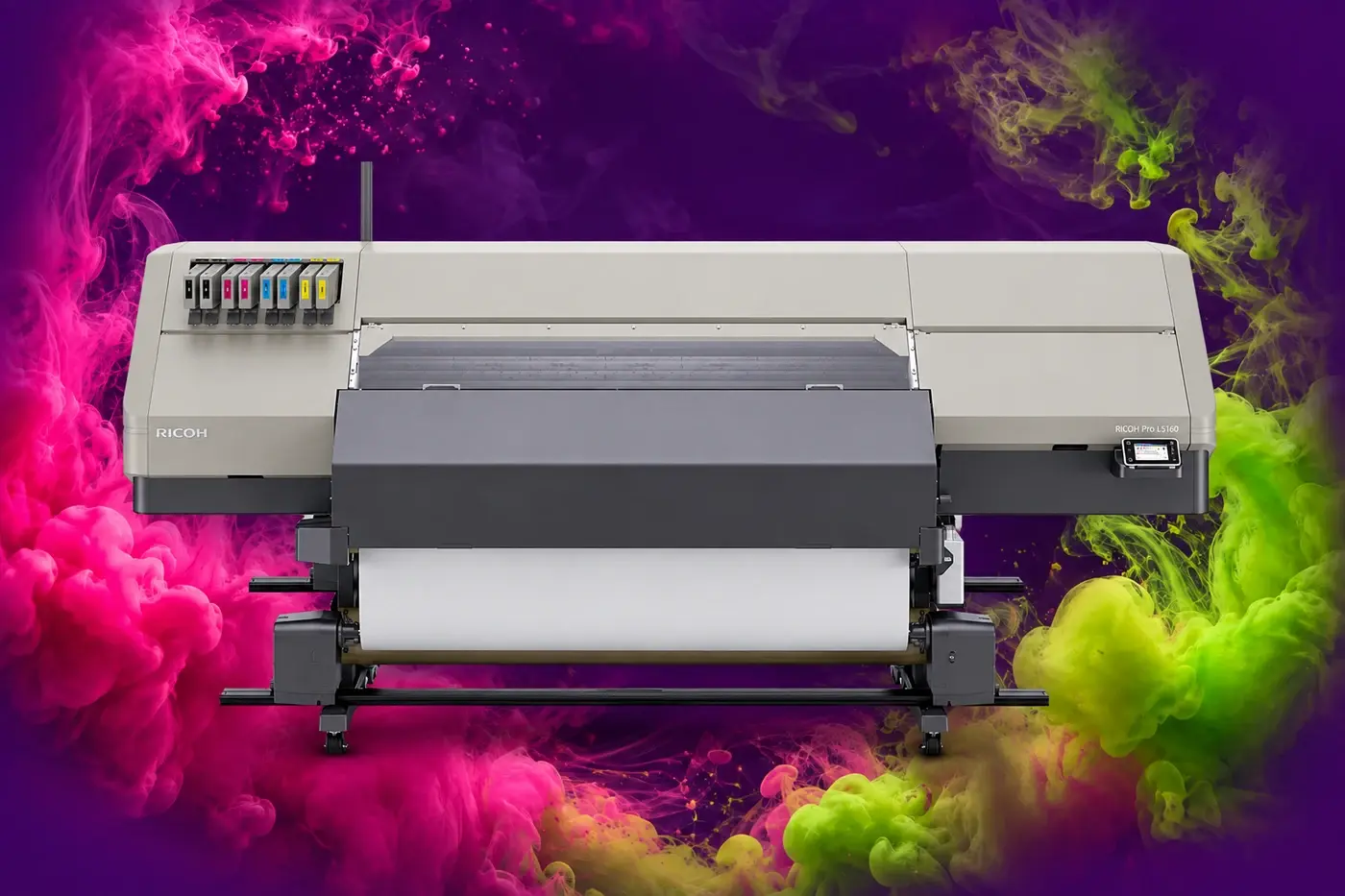
- On demand piezo inkjet system
- Ink type
- Latex ink—2nd generation AR ink
- Printhead
- RICOH Gen5, 1,280 nozzles per head, 3 heads per printer, three line staggered placement
- Print resolution
- 450 dpi, 600 dpi, 900 dpi, 1,200 dpi
- Printer drivers
- ONYX RIPCenter (software RIP)
- Printer driver features
- Requirements for client PC
Operating system
Windows 7 64-bit (Professional, Enterprise, Ultimate) or
Windows 8.1 64-bit (Professional, Enterprise) or
Windows 10 64- bit (Professional, Enterprise)
CPU
Inter Core i7 or later
RAM
16 GB or more
HDD
750 GB or more
USB port
2
Network
Gigabit Ethernet adapter
Monitor
1,280 x 1,024 dpi or more
Note: PC specifications will vary according to required environment by every RIP and Ricoh unique driver. Ricoh will guarantee product specifications with bundled RIP software.
Requirements for unique Ricoh driver (embedded in each RIP)
CPU
SSE 4.1 or later
HDD
+500 GB or more for each Pro L5100 series printer
Input data
Selectable file format
PostScript, EPS, PDF, Remote Proofing, TIFF, Targa, Bitmap, DIB, Scitex CT, JPEG, Photoshop, Photoshop Large, GIF, PC Paintbrush, Photo CD, MrSID, ILS, PNG, JDF
Rendering
Photoshop core
Adobe Normalizer
PDF core
Adobe PDF Print Engine (APPE 4.8)
Dot
2 bit—4 values
Selectable dot pattern
Stochastic, FDRP Enhanced, FDRP Diffusion, FDRP Line, FDRP Plus, Ordered Dither, Screen, Halftone, Line Screen, Smooth Screen
Colour matching
Input profile
Defined by quickset or design file
Grey balance
Defined by input profile and/or print mode
Monitor
Not available
Colour exchange
Available condition
Colour replacement on Job editor
Special colour print
Available condition
Using spot colour in PDF, the spot should named ’Spot1’
Profile
Device
User needs to import and select
Import
Input profile: ICC Profile Setup -> Browse
Device profile: Configure Printer -> Media -> Import
Export
Input profile: No need to export
Device profile: Configure Printer -> Media -> Export
Delete
Input profile: No need to delete
Device profile: Configure Printer -> Media -> Delete
Image editing
Resizing, Cropping, Rotation, Step and Repeat, Tiling, Adding Offsets/Bleed/Grommets/Marks/Labels
Image layout
Automatic nesting—proprietary at print time/Job list order
Insert method
Drop in Hot Folder
Print
Print method
Print after RIP
Multiple print
Active Printers: 1
Active RIP: 1
Active Print: 1
Interface
Ethernet / TCP/IP
Print/Status
RIP information
Status, Preview, Size, Copies, Order Number, Company Name, Customer Name, Printer, Media, Prints Due, Print Mode, Resolution, Pattern, Reflected, RIP time, Cutter, User, File Name, File Size, Time, Ink Use (millilitres), Total Ink, Ink Coverage, Due Date, Notes, Media Source
On-screen
Yes
Manuals
Installation manual
PDF
Operation manual
Downloadable at help.onyxgfx.com
Protection
USB dongle
- Supported file formats
- PostScript, EPS, PDF, Remote Proofing, TIFF, Targa, Bitmap, DIB, Scitex CT, JPEG, Photoshop, Photoshop Large, GIF, PC Paintbrush, Photo CD, MrSID, ILS, PNG, JDF
- Maximum printable area
- 1,615 mm wide
- Other print features
- Media remaining detection, Media end detection, Uni-direction settings, White skip process, Banding correction process, Overlap printing, Layer printing, Adjustable drying time, Vacuum adjustment, Origin setting, Nozzle recovery, Auto adjustment sensor