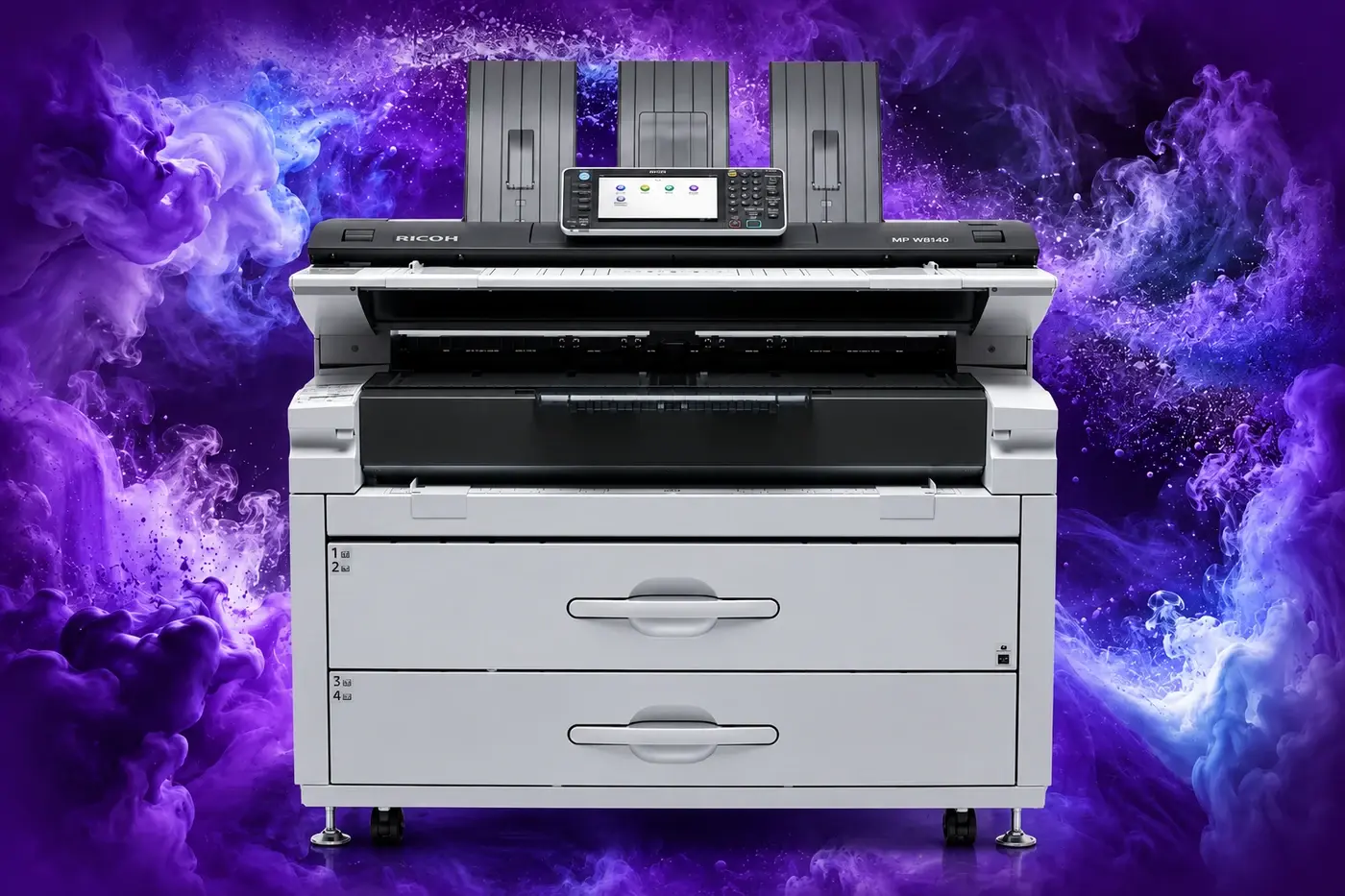
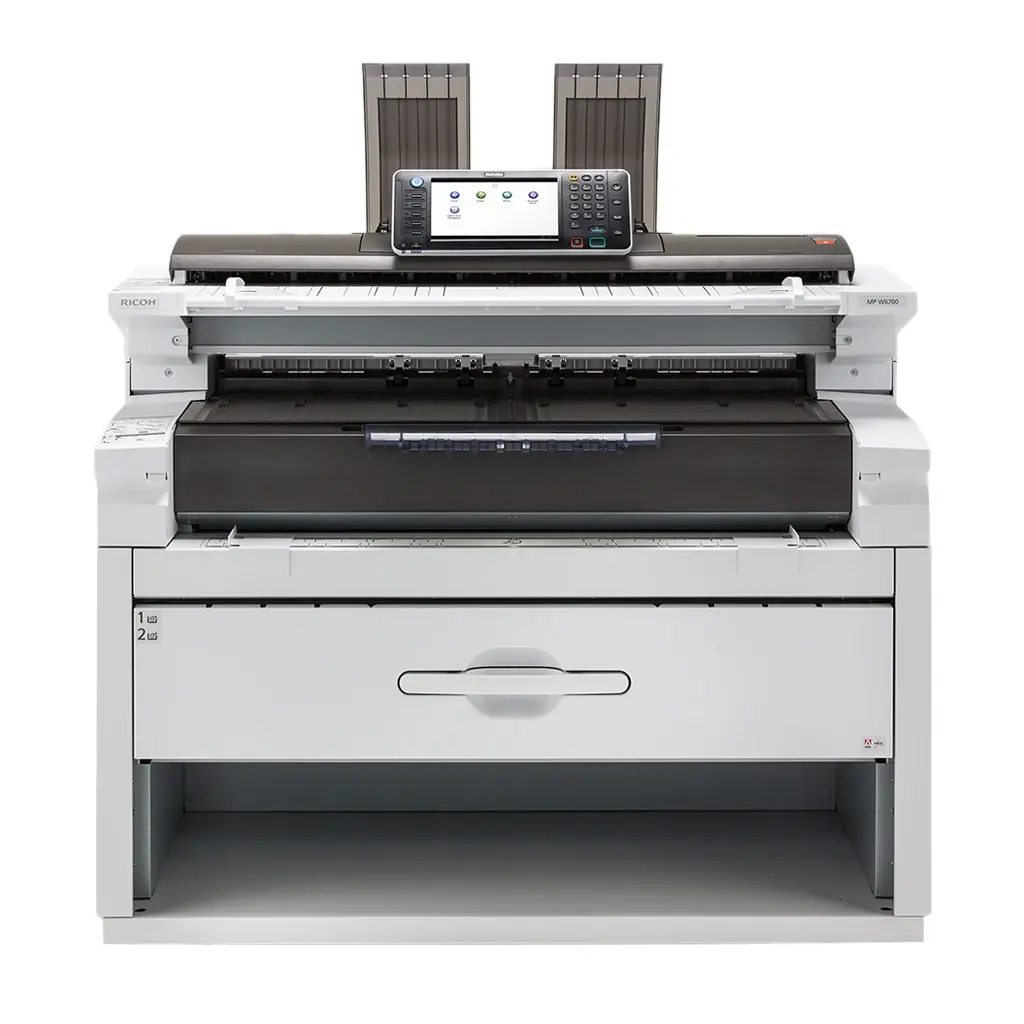
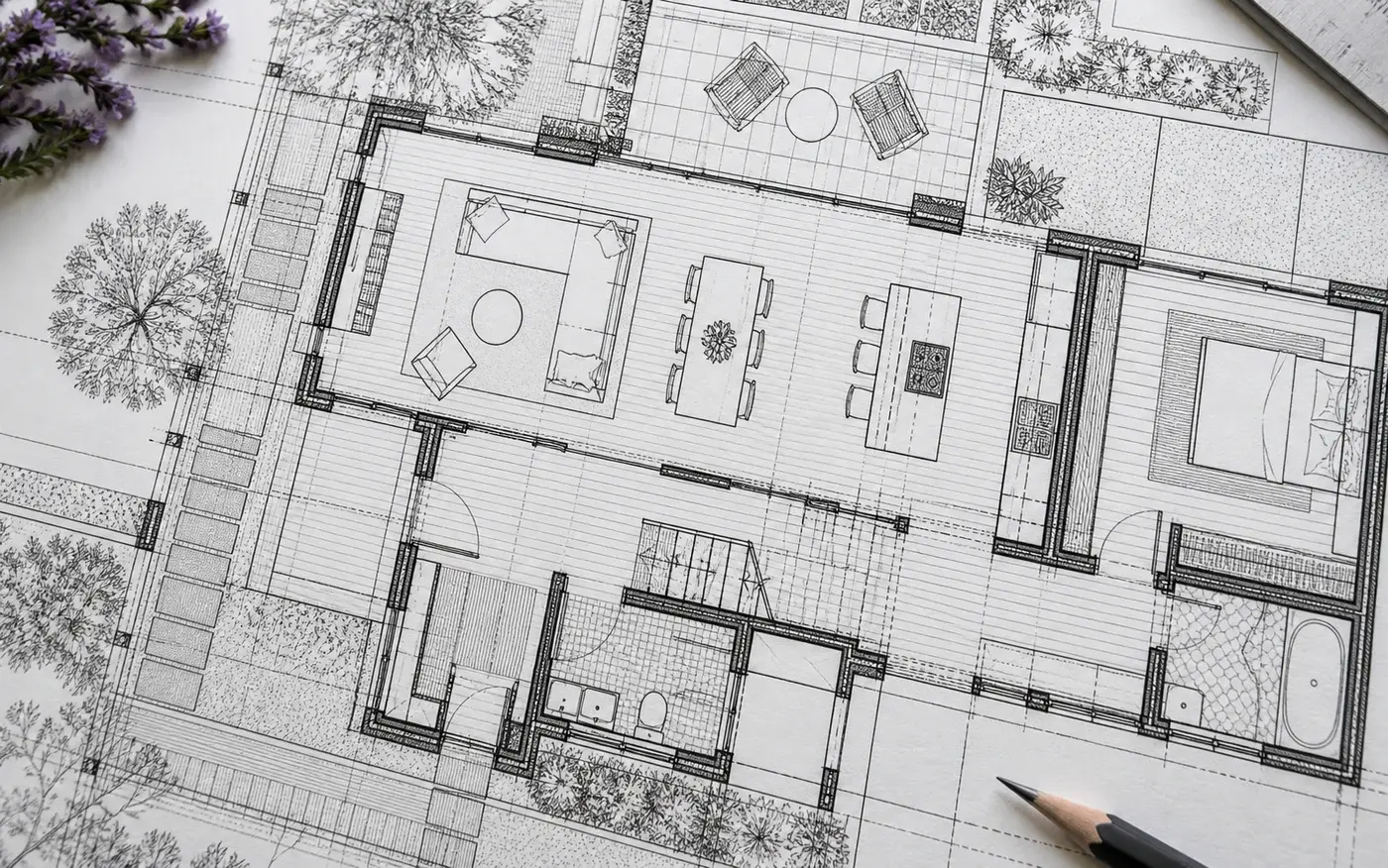
Produce high-volume plans and technical documents with wide-format printing, copying and colour scanning. The MP W8140SP supports long drawings, document previews and optional editing tools for engineering, architecture and construction workflows.
Illustrative display image; configuration may vary.
14 ppmA1 monochrome
64–110 g/m²supported media
914 mmmaximum paper width
30 mmaximum print length
overview
wide-format output for larger workloads.
The MP W8140SP brings monochrome wide-format printing, copying and scanning to busy technical environments. Use the page to compare production figures and plan how documents will move through your team.
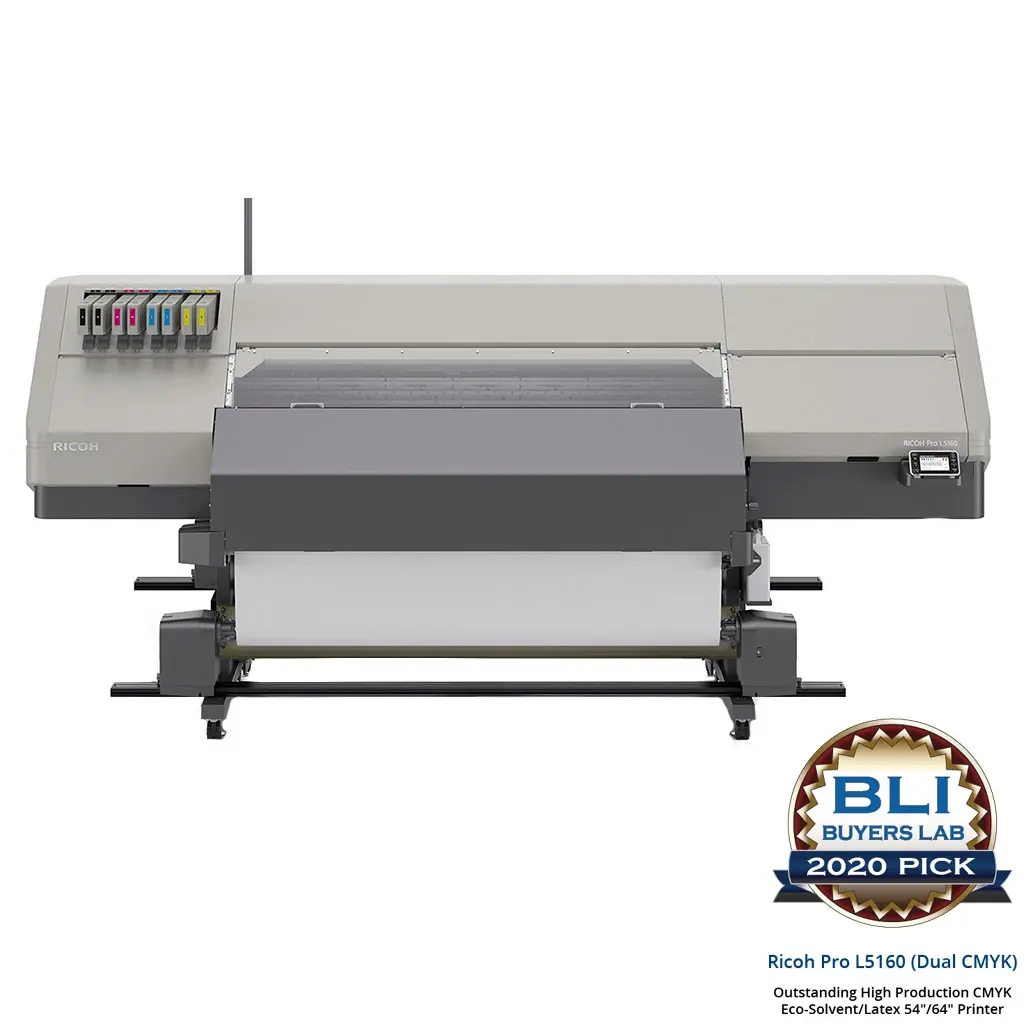
Expand roll-media production into signs, banners and display graphics. The Pro L5160 uses Ricoh latex ink with CMYK or CMYK-plus-white configurations, pairing media flexibility with selectable production modes.
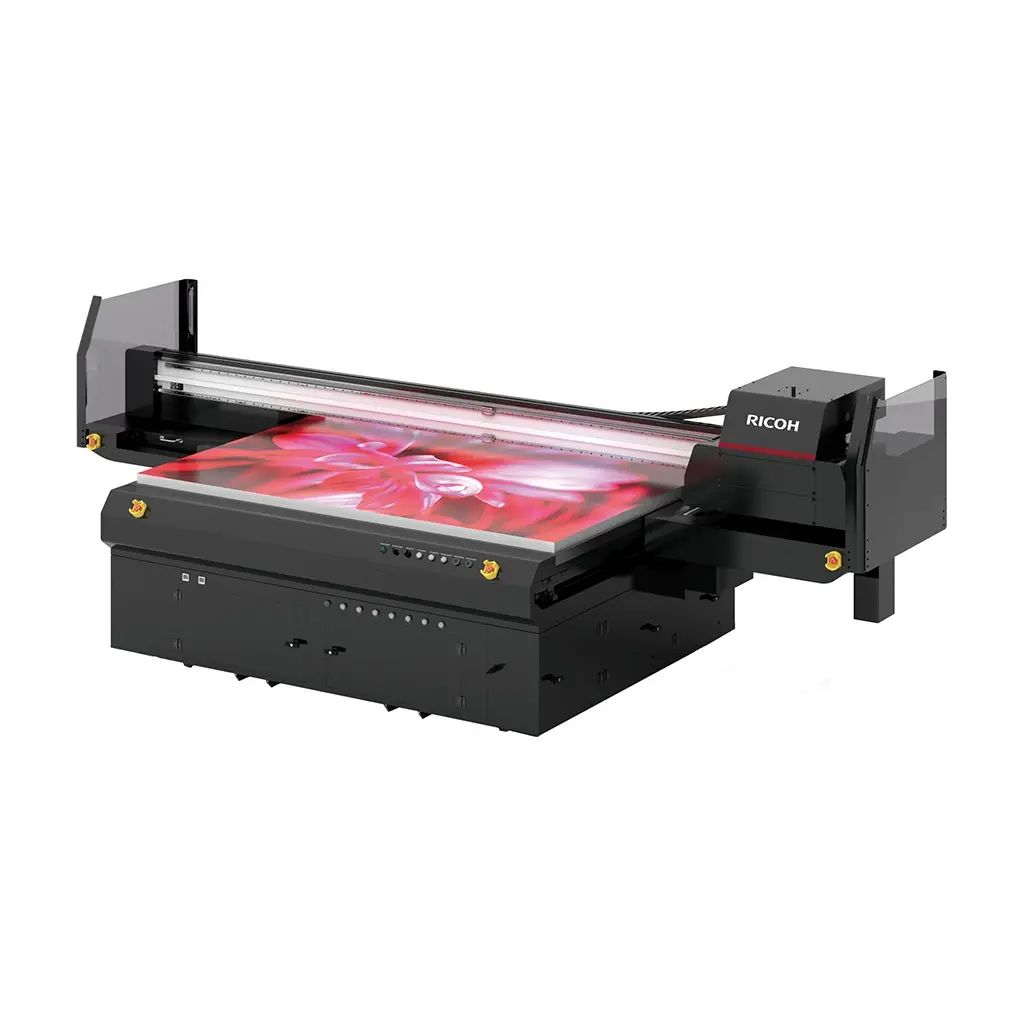
Print directly onto rigid panels for signage, display and décor applications. The Pro TF6250 combines UV inkjet technology, selectable quality modes and support for substrates up to 110 mm thick, with ink choices tailored to the material and finish.
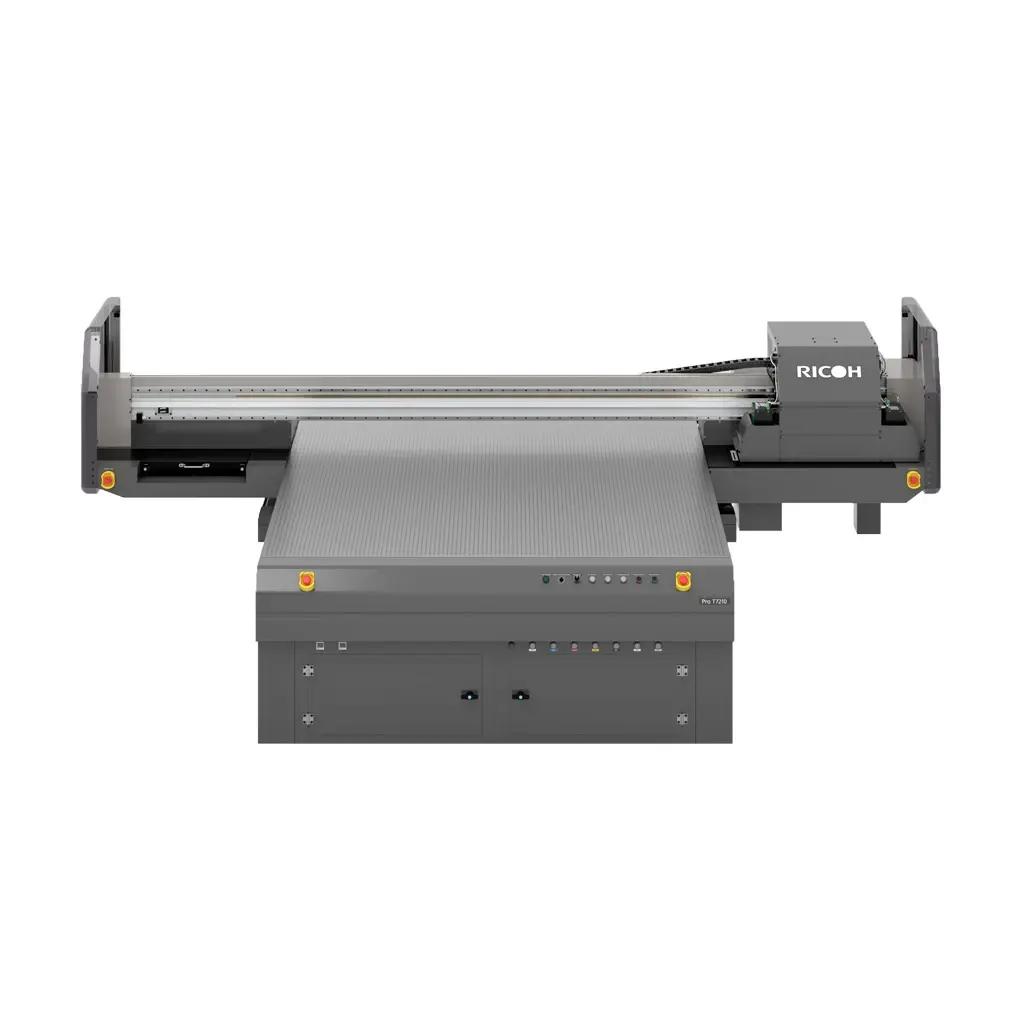
Print directly onto rigid panels for signage, display and décor applications. The Pro T7210 combines UV inkjet technology, selectable quality modes and support for substrates up to 110 mm thick, with ink choices tailored to the material and finish.
Support engineering, construction and technical-document workflows with in-house production.
plans and technical publications
Produce coordinated sets for projects that involve many sheets or frequent updates. Confirm sheet numbering and revision information before the batch reaches the output tray.
paper records into digital workflows
Use the scanning capability to capture large originals for review and storage. Decide how the original scale, annotations and file size should be preserved for the receiving team.
print & media
technical detail on a larger scale.
Check the document's required size, clarity and paper handling before production.
monochrome detail
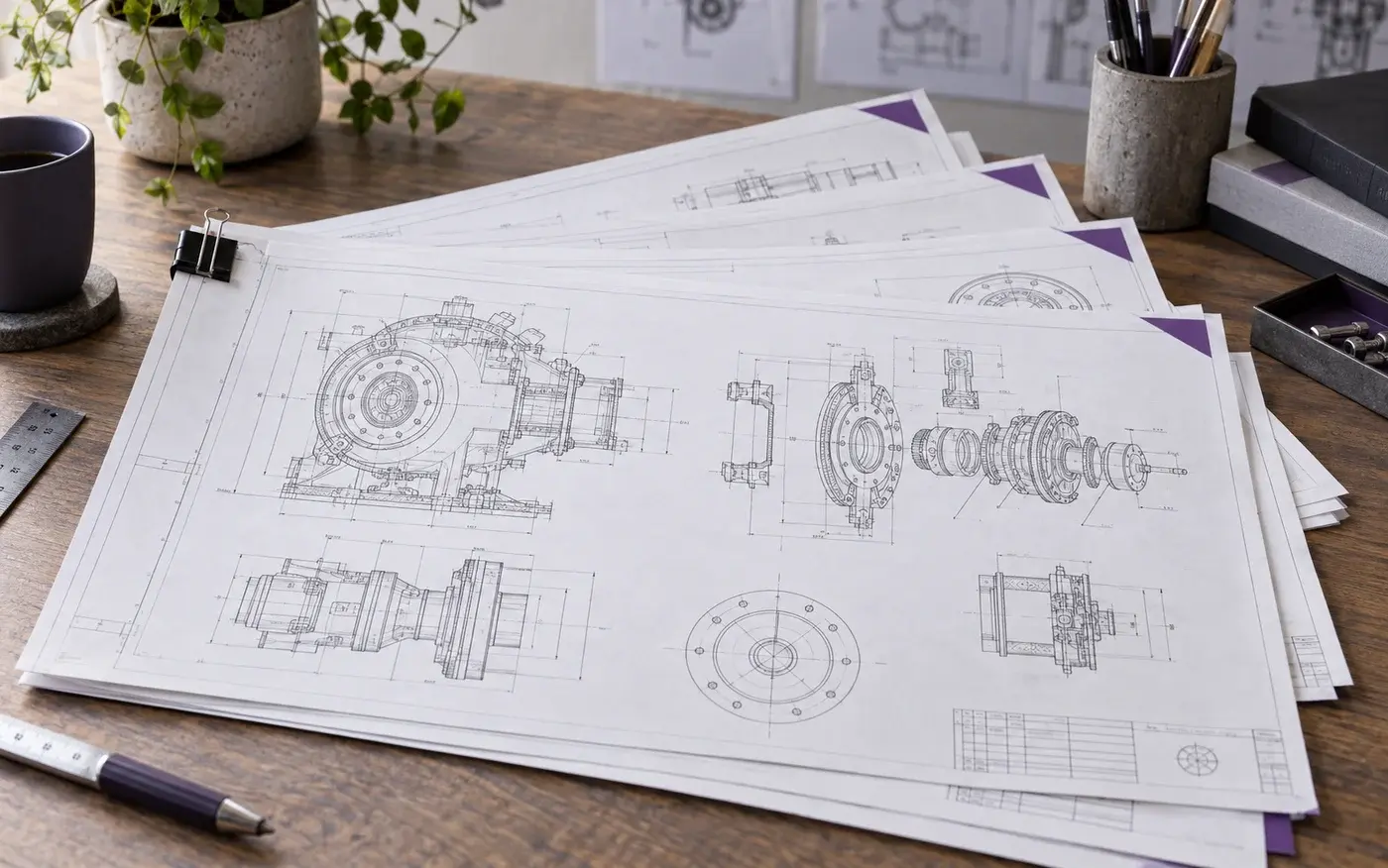
Ricoh Australia lists 600 dpi output for technical-document printing. Test small labels, fine lines and screened areas with the type of source file your team regularly receives.
Application illustration; not a production sample.
long-format capability
The Australian table lists a maximum paper size of 914 × 30,000 mm and media from 64–110 g/m². Confirm the selected driver, application and output arrangement for longer work.
Application illustration; not a production sample.
productivity & workflow
plan for drawing-room demand.
Look at production and handling together when comparing wide-format systems.
14 A1 pages per minute
The published A1 rating provides a starting point for comparing equipment. Job processing, document size and output handling influence the time it takes to deliver a complete drawing set.
room for people and plans
Include paper loading, collecting large sheets and access for maintenance in the layout. Agree who will manage priority jobs and check a representative full set before routine operation.
Application illustration; not a production sample.
specifications
the details that matter.
Review the key figures and the listed equipment options for this system.
key specifications
Functions
Print, copy and scan
Print speed
14 A1 pages per minute
Resolution
600 dpi
Maximum paper size
914 × 30,000 mm
Media weight
64–110 g/m²
full specifications
MP W8140SP
Configuration
Functions
Copy, print, scan
Storage
320 GB
Memory - standard
2.5 GB
Operation panel
9-inch colour LCD operation panel
Physical dimensions
Physical dimensions (WxDxH)—mainframe
1,250 x 755 x 1,193 mm
Weight—mainframe
295 kg
Media handling
Standard input capacity (sheets)
2 paper rolls—2-roll feeder
1 sheet—bypass tray
Maximum input capacity (sheets)
4 paper rolls or 2 paper rolls + 500 sheets (2 x 250 sheets)
Standard output capacity (sheets)
Inner
99 sheets plain paper—A1 LEF
10 sheets application paper—A1 LEF
1 sheet film
Rear
10 sheets plain paper—A1 portrait, A0 SEF
1 sheet application paper—A1 portrait, A0 SEF
1 sheet film
Paper input configuration - standard
1-sheet bypass tray, 2-roll feeder
Paper output configuration - standard
Front upper tray, rear straight through tray, rear output tray
Maximum paper size
914 mm x 30,000 mm
Media weight (g/m2)
64–110
Supply yields
Supply yields
1,430 m per 800g toner cartridge
30,000 m (1 kg x 2 bags) developer
Note: 2 bags required for setup.
All yields are measured with the A1/6% Ricoh chart.
Connectivity
Interfaces - standard
Gigabit Ethernet (10Base-T/100Base-Tx/1000Base-T)
USB 2.0
SD card slot
Interfaces - optional
IEEE802.11a/g/n (Wireless LAN) with WPA support
IEEE 1284
SD card for NetWare printing
2 x option slots
USB Host interface for third party IC card reader
42.5–340 mm/second—black and white
50–200 mm/second—colour
Scan methods
CIS
Colour scanning
Supported
Scan resolution
600 dpi, TWAIN—1,200 dpi
Scan to email
Requirement
SMTP (mail server) gateway and TCP/IP
Authentication
SMTP, POP before SMTP authentication
Resolution
150, 200 (default), 300, 400, 600 dpi
Supported file types
Multipage TIFF (default), single page TIFF, single- and multipage PDF, single page JPEG, single- and multipage high compression PDF, PDF/A
Scan to folder
Protocols
SMB, FTP, NCP
Security
Client folder login (login name and password), encryption of login name and password during transmission
Resolution
150, 200 (default), 300, 400, 600 dpi
Search client folder
SMB—browsing directly to the designated folders
FTP—by client folder name
Supported file types
Multipage TIFF (default), single page TIFF, single- and multipage PDF, single page JPEG, high compression PDF, PDF/A
TWAIN scanning
Resolution
Black and white
150–1,200 dpi in 1 dpi steps
Colour
150–600 dpi
Scan mode
Standard, photo, OCR, filing
Security features
Data Overwrite Security System (DOSS) - Optional
Type H—supports the requirements for Common Criteria certification, conforming to IEEE 2600.1
Encryption
Authentication password encryption
Encrypted communication over Secure Sockets Layer (SSL)
HDD data encryption—optional HDD encryption unit is required
Locked print data encryption
Address book encryption
Encryption of data sent via Scan to email (S/MIME)
PDF encryption (password and transmission)
Authentication
User authentication—Windows (via Kerberos), LDAP, basic, user code
Administrator authentication
802.1x wired authentication
Supported operating environments
Windows
PostScript 3
Windows Vista
Windows 7
Windows 8
Windows 8.1
Windows Server 2003
Windows Server 2008
Windows Server 2008 R2
Windows Server 2012
Windows Server 2012 R2
Macintosh
Mac OS 10.7 or later—PostScript 3
Software and solutions
Standard
@Remote Embedded
Smart Device Monitor for Admin
Web Image Monitor
Device SDK
Optional
@Remote Office
Device Manager NX
PrintCopyTool
Environmental features
Power source
220–240 V, 50–60 Hz, 16 A (max)
Power consumption
3,000 W or less—maximum power
1 Wh or less—Energy Saver Mode (Sleep Mode)
Warm-up time
120 seconds or less
Recovery time
30 seconds or less—from Auto Off Timer (Off Mode)
120 seconds or less—from Energy Saver Mode (Sleep Mode)
Environmental standards
Energy Star
EPEAT Gold
R&TTE—2.4 GHz, 5 GHz
C-Tick—Australia, New Zealand
EN62311 (CE marking)
REACH
Directive 2006/66/EC
Directive 94/62/EC
WEEE
India E-waste
RECSI
let’s talk print
your next chapter starts with a conversation.
Tell us what you print, your volumes and where you want to go. We’ll help you explore the next step.