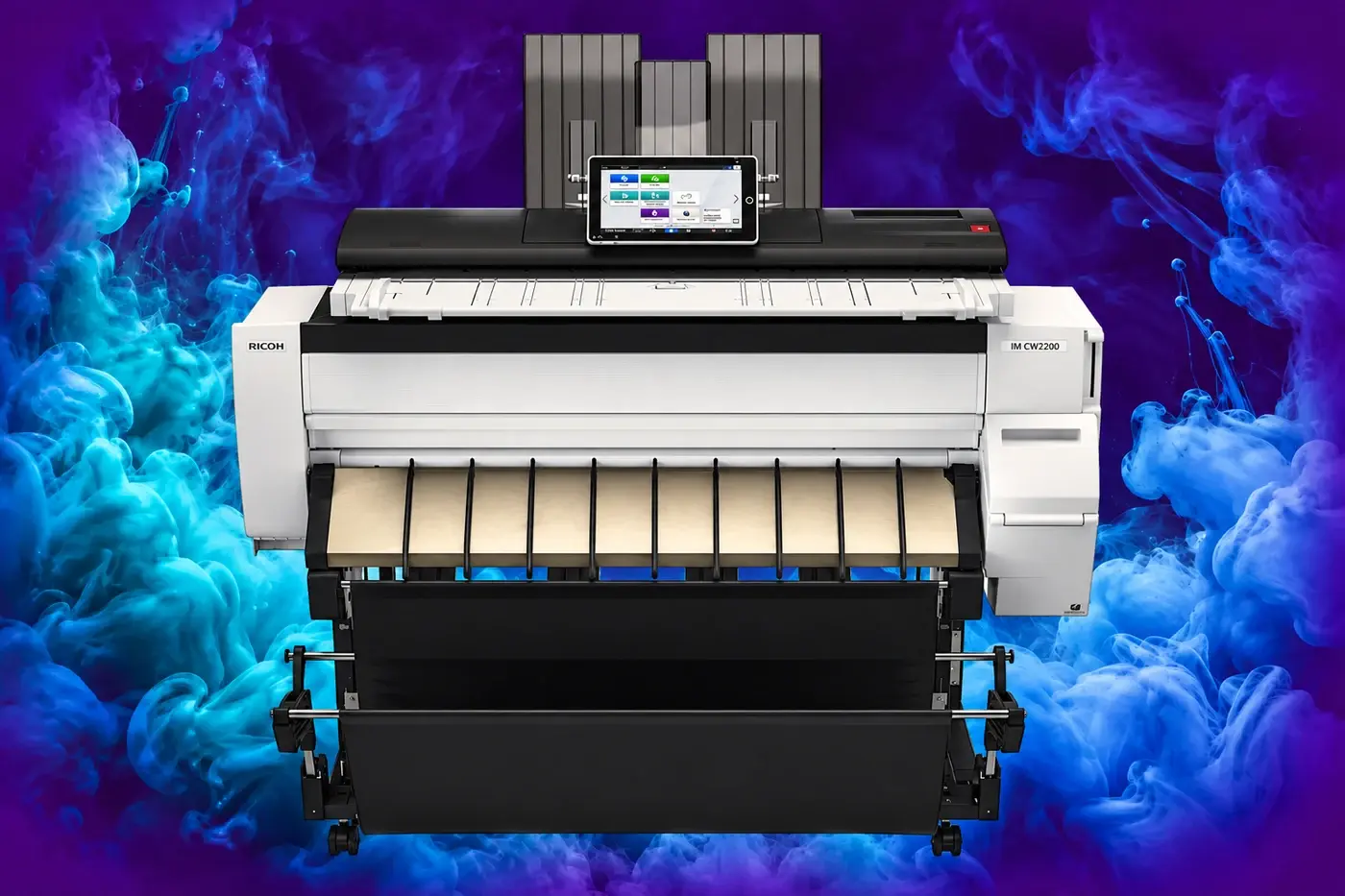
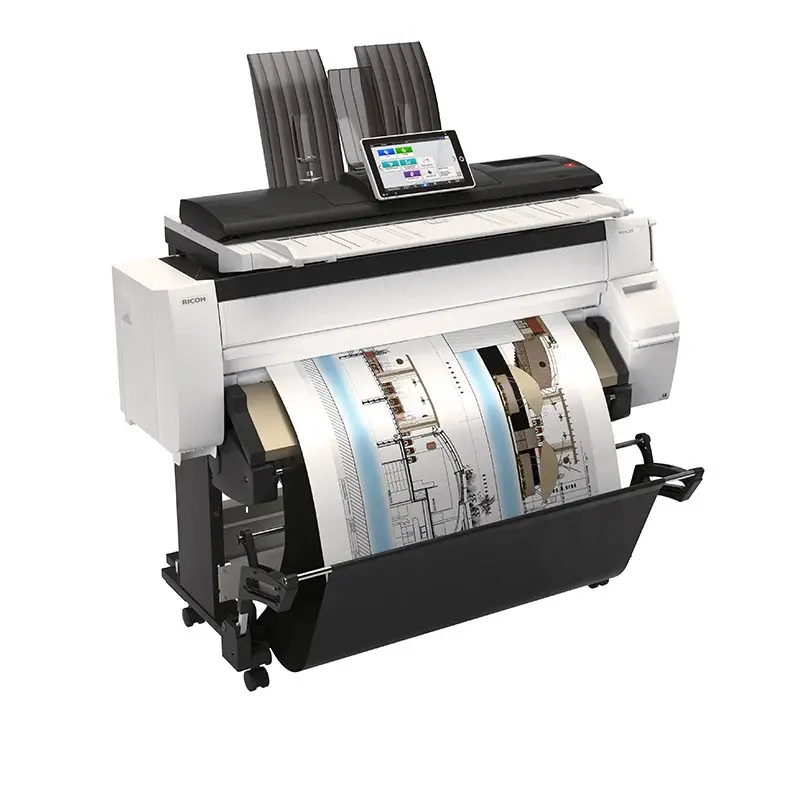
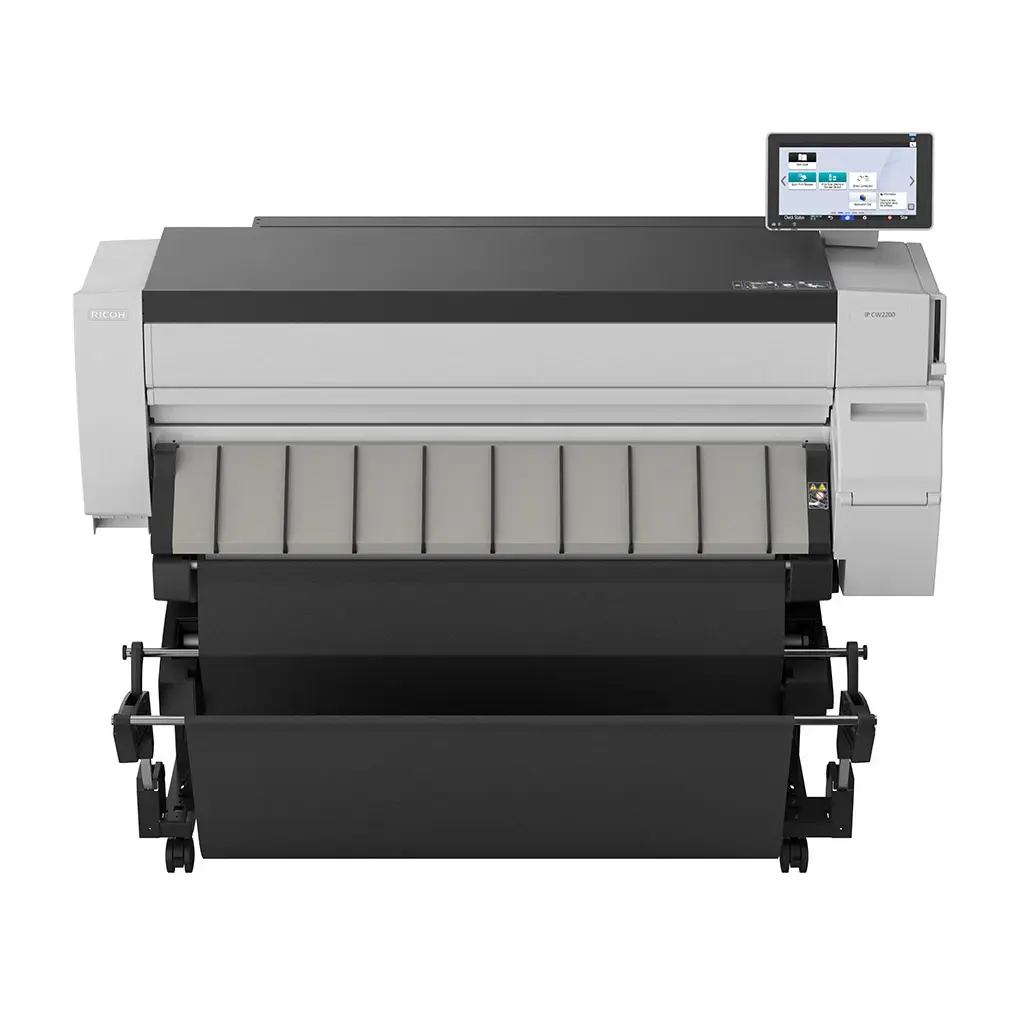
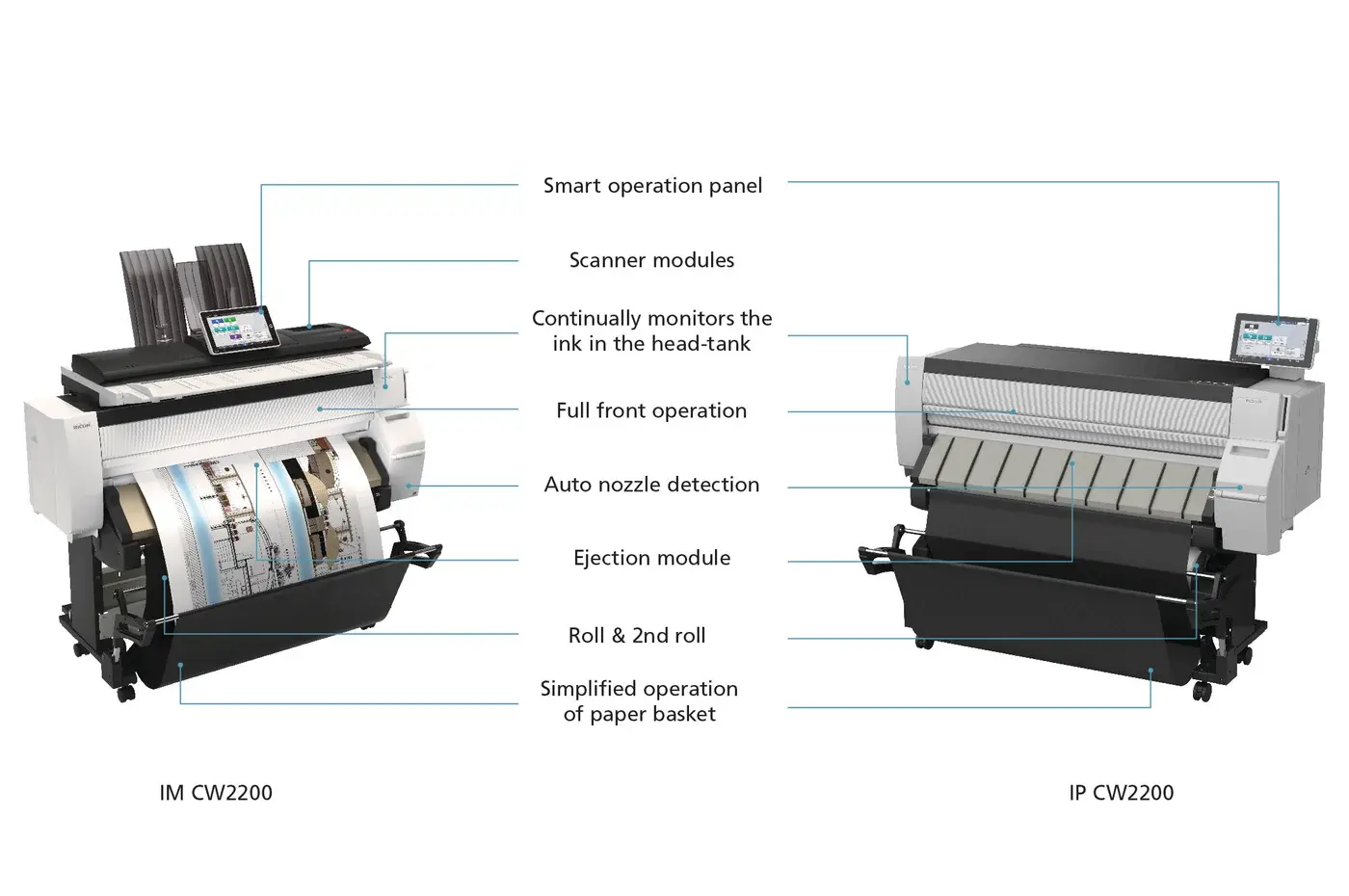
key specifications
- A1 LEF print speed
- 3.8 ppm monochrome / 2.1 ppm colour
- A0 SEF print speed
- 1.9 ppm monochrome / 1.1 ppm colour
- Maximum roll output size
- 914.4 mm × 33,000 mm
- Print resolution
- Up to 1,200 × 1,200 dpi in specified quality mode on suitable media
- Scanning speed at 600 dpi
- 35.3 mm/s colour / 106.7 mm/s monochrome
- Functions
- Print, copy and scan
full specifications
IM CW2200
Configuration
- Functions
- Copy, print, scan
- Colour
- Yes
- Storage
- 320 GB
- Memory - standard
- 4 GB
- Operation panel
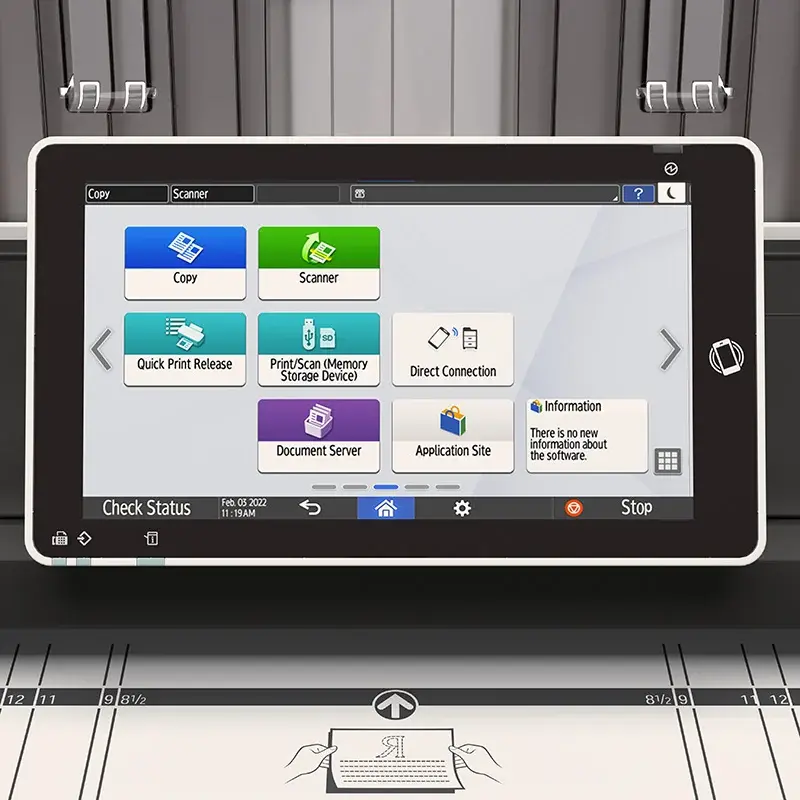
- 10.1" Smart Operation Panel (G2.5)
Physical dimensions
- Physical dimensions (WxDxH)—mainframe
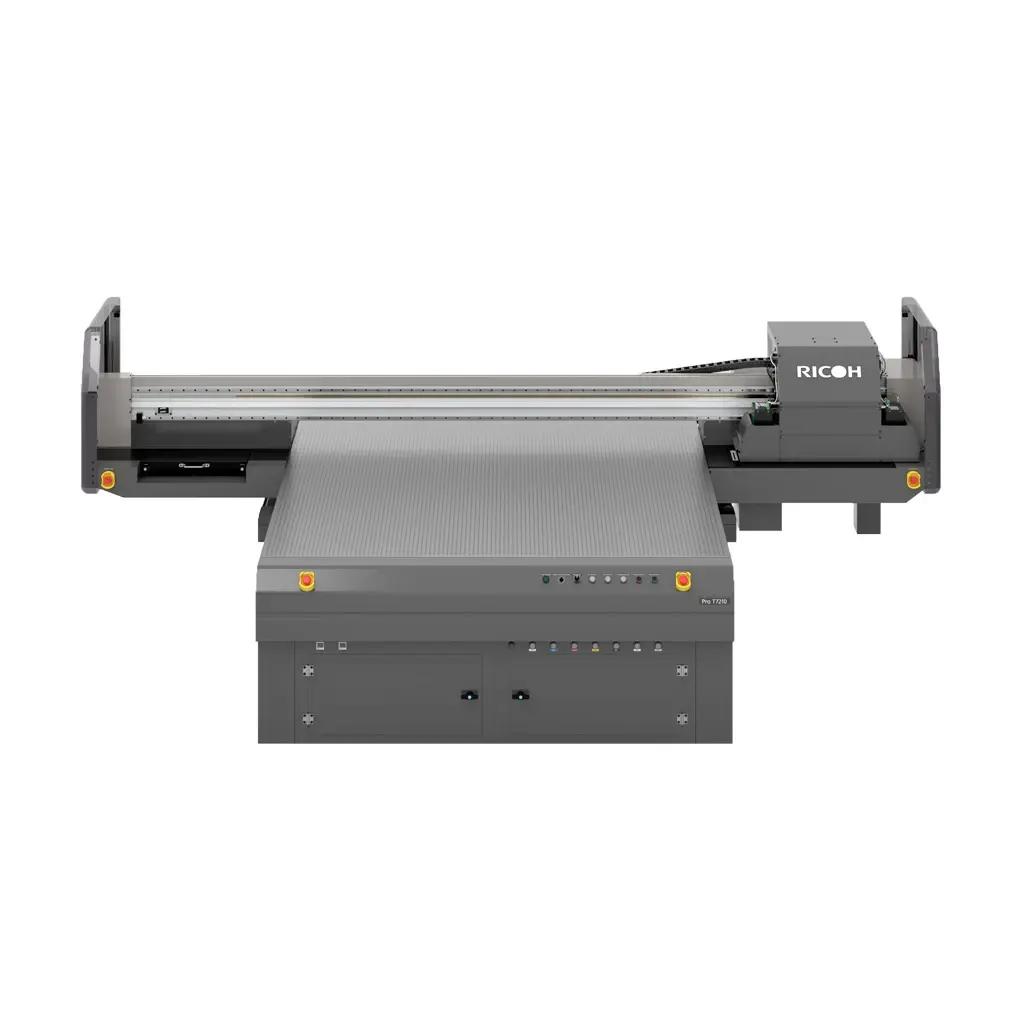
- 1,384 x 675 x 1,220 mm
- Weight—mainframe
- 120 kg
Media handling
- Standard input capacity (sheets)
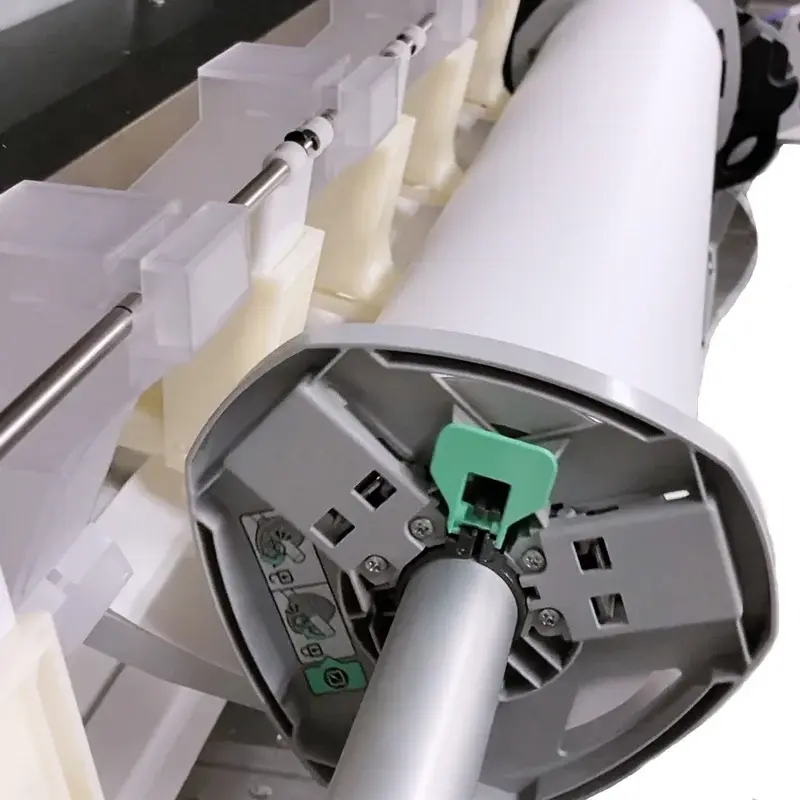
- Roll feed
One roll each—297–914 mm wide x unlimited length, or max diameter 176 mm
Bypass
1 sheet—914.4 x 2,000 mm
- Standard output capacity (sheets)
- 10 sheets—original stacker (rear upper tray)
1 sheet—basket
Note: Basket output can't be stacked because the curvature factor is small.
- Paper input configuration - standard
- 1-sheet bypass tray, 1-roll feeder
- Paper output configuration - standard
- 10-sheet original stacker—rear upper tray, 1-sheet output basket
- Supported media
- Plain paper, recycled paper, inkjet plain paper, tracing paper, matte film, coated paper, coated paper—CAD, special paper
- Maximum paper size
- 914.4 mm x 33,000 mm
- Media weight (g/m2)
- 51–220
Supply yields
- Supply yields
- Black and white printing
529 copies or 314 m per 200 ml black cartridge
708 copies or 421 m per 100 ml cyan cartridge
699 copies or 415 m per 100 ml magenta cartridge
700 copies or 416 m per 100 ml yellow cartridge
Colour printing
352 copies or 209 m per 200 ml black cartridge
472 copies or 280 m per 100 ml cyan cartridge
466 copies or 277 m per 100 ml magenta and yellow cartridge
Note: All toner yields are measured using A1 LEF paper with 6% black and white/20% colour (5% x 4 colours) coverage, and a 40% colour ratio, 60% black and white ratio.
Waste tank capacity
425 ml or 5 years, whichever comes first
120 m
40% colour ratio
Waste tank use conditions
23 degrees Celcius and 50% humidity
Connectivity
- Interfaces - standard
- Mainframe
1000 Base-T/100 Base-TX/10 Base -T (Ethernet)
USB 2.0
Smart Operation Panel
IEEE 802.11 b/g/n (Wireless LAN) 1
Bluetooth 4.2 2
SD Card Slot—SDHC memory card
USB Host Type A—USB Flash memory
USB Host Type A—1 port for USB keyboard (optional) 2
USB Host Type mini B—for NFC card reader (optional) 2
NFC Tag 2
1 —Limited printing for a peer-to-peer mobile device via RICOH Smart Device Connector
2 —Cannot be used for printing
- Interfaces - optional
- IEEE 802.11 a/g/n (Wireless LAN)
- Network protocols - standard
- TCP/IP (IPv4, IPv6)
Copy features
- Copy speed
- A1 LEF—black and white
2.0 cpm—Standard Mode
3.8 cpm—High Speed Mode
A1 LEF—colour
1.2 cpm—Standard Mode
2.1 cpm—High Speed Mode
A0 SEF—black and white
1.1 cpm—Standard Mode
1.9 cpm—High Speed Mode
A0 SEF—colour
0.6 cpm—Standard Mode
1.1 cpm—High Speed Mode
- First copy time
- A1 LEF—black and white
41 seconds—Standard Mode
29 seconds—High Speed Mode
A1 LEF—colour
84 seconds—Standard Mode
53 seconds—High Speed Mode
A0 SEF—black and white
71 seconds—Standard Mode
51 seconds—High Speed Mode
A0 SEF—colour
155 seconds—Standard Mode
81 seconds—High Speed Mode
- Copy resolution
- 600 dpi
- Zoom range
- 25%–400% in 0.1% steps
- Enlargement ratios
- 141.4%, 200%, 282.8%, 400%
- Reduction ratios
- 25%, 35.4%, 50%, 70.7%
- User codes
- 1,000 user codes, 8 digits in each code
Print features
- Print speed colour
- 2.1 ppm—A1 LEF
- Print speed black and white
- 3.8 ppm—A1 LEF
- Print resolution
- Speed Priority (Drawing) Mode, Speed Priority Mode
600 x 300 dpi
Standard Mode
600 x 600 dpi
Quality Priority Mode with coated paper, film (matte) and special paper
1,200 x 1,200 dpi
Quality Priority Mode with other paper types
600 x 600 dpi
- Page description languages (PDLs)
- Adobe PostScript 3, PDF Direct, RP-GL/GL2, RTIFF, Media Print JPEG, Media Print TIFF
- Printer drivers
- Adobe PostScript 3
- Print from USB/SD
- Supported—JPEG, TIFF, PDF
Scan features
- Scan speed
- Black and white
26.5 mm/second—2,400 dpi
53.3 mm/second—1,200 dpi
106.7 mm/second—600 dpi
160 mm/second—150, 200, 300, 400 dpi
Colour
8.8 mm/second—2,400 dpi
17.6 mm/second—1,200 dpi
35.3 mm/second—600 dpi
53.3 mm/second—150, 200, 300, 400 dpi
- Scan methods
- Scan to USB/SD, Scan to email, Scan to folders (FTP, SMB)
- Colour scanning
- Supported
- Scan resolution
- 150, 200 (default), 300, 400, 600 dpi—Scan to email/folder
150–2,400 dpi—TWAIN
Note: 2,400 dpi is only supported using A4 paper.
- Scan to email
- Protocols
POP, SMTP, IMAP4
- TWAIN scanning
- Scan mode
Standard, Photo, OCR, Filing
Security features
- Authentication
- User authentication—Windows (via Kerberos), LDAP, basic, user code
802.1x wired authentication
Supported operating environments
- Windows
- Windows 8.1
Windows 10
Windows Server 2012/2012 R2
Windows Server 2016
Windows Server 2019
- Macintosh
- OS X Native 10.14, 10.15, 11—PostScript 3 only
- Unix
- Sun Solaris—10
HP-UX—11.x, 11iv2, 11iv3
Red Hat Linux—Enterprise v4, v5, v6
SCO OpenServer—5.0.7, 6.0
IBM AIX—v6.1, v7.1, v7.2
Software and solutions
- Standard
- @Remote Embedded
Web Image Monitor
- Optional
- RICOH Streamline NX v3
Global Scan NX
Enhanced Locked Print NX v2
Enhanced Locked Print NX FlexRelease Server v2
Card Authentication Package v2
Card Authentication Package Enterprise Server v2
Device Manager NX Lite
Device Manager NX Accounting
Environmental features
- Power source
- 220–240 V, 50/60 Hz, 1.9 A
- Power consumption
- 113 W—maximum power, mainframe
135 W—maximum power, full configuration
89 W—operating, black and white
86.9 W—operating, colour
48.8 W—Ready Mode
45.7 W—Low Power Mode
0.65 W—Energy Saver Mode (Sleep Mode)
- Warm-up time
- 40 seconds or less