

books, catalogues & signature sheets
Arrange multiple pages on a larger sheet for book sections and catalogues. Plan the imposition around the trim, fold and binding method, not just the number of pages that fit.
B2+ · sheetfed inkjet digital press
Combine B2+ formats, automatic duplexing and water-based inkjet for a flexible approach to commercial digital print.
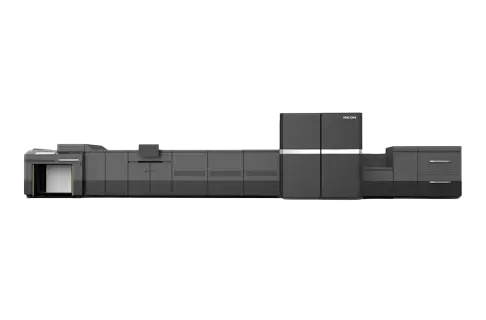
Use a larger sheet for multi-up work, book signatures and personalised commercial print. The Pro Z75 combines aqueous pigment inkjet with automatic perfecting, bringing sheetfed handling to an inkjet production workflow.
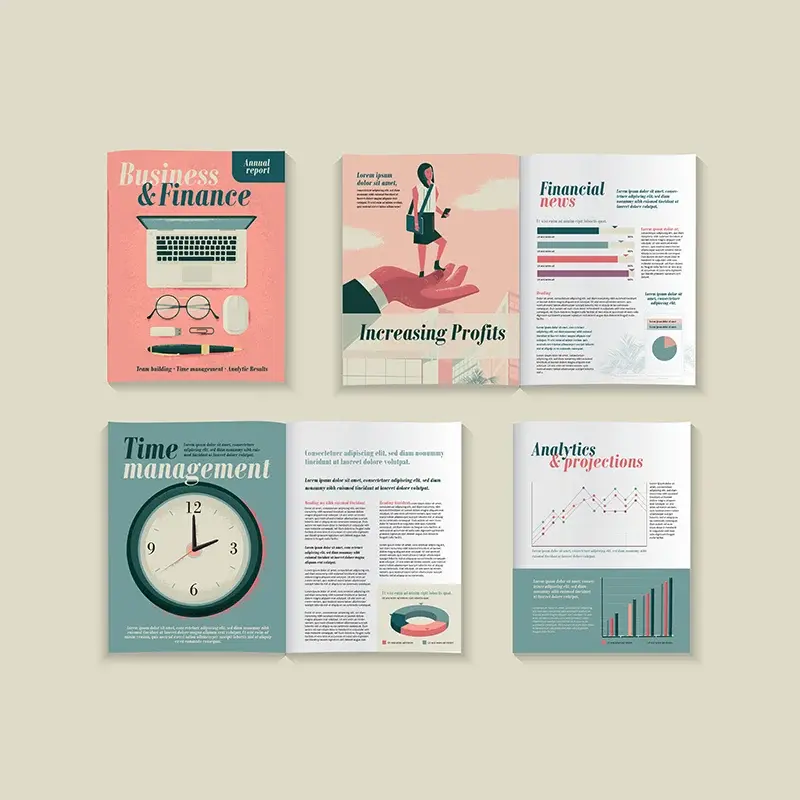
Explore larger formats, variable content and smaller production batches on the B2+ platform.
explore applications
Work with the paper, ink and drying process as a single colour system.
explore colour & quality
Plan production using the output mode and paper weight, not the maximum speed alone.
explore productivity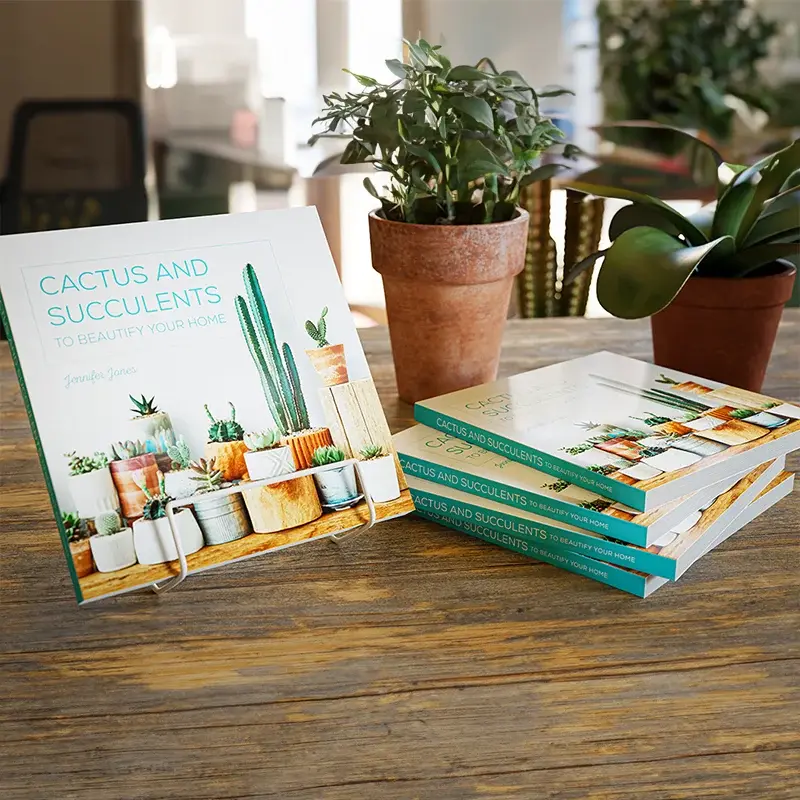
Connect press output with the bindery equipment and finished formats you already use.
explore finishing & workflowCheck the technical details and equipment options for your workflow.
Explore larger formats, variable content and smaller production batches on the B2+ platform.
Arrange multiple pages on a larger sheet for book sections and catalogues. Plan the imposition around the trim, fold and binding method, not just the number of pages that fit.
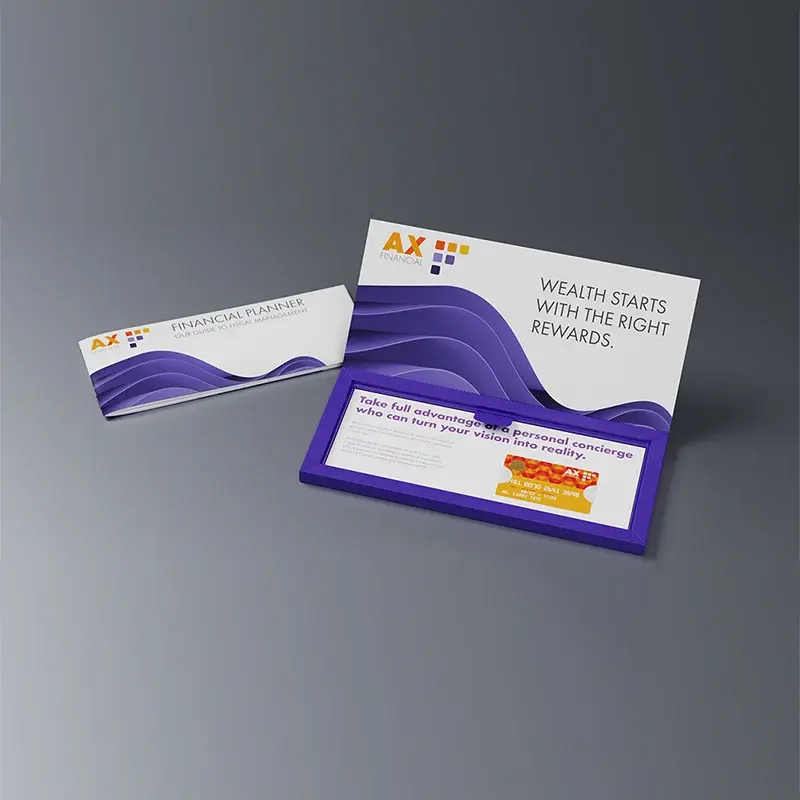
Create versioned welcome packs, multi-panel mailers and marketing materials with changing text and images. Print the design and variable content together rather than relying on pre-printed shells.
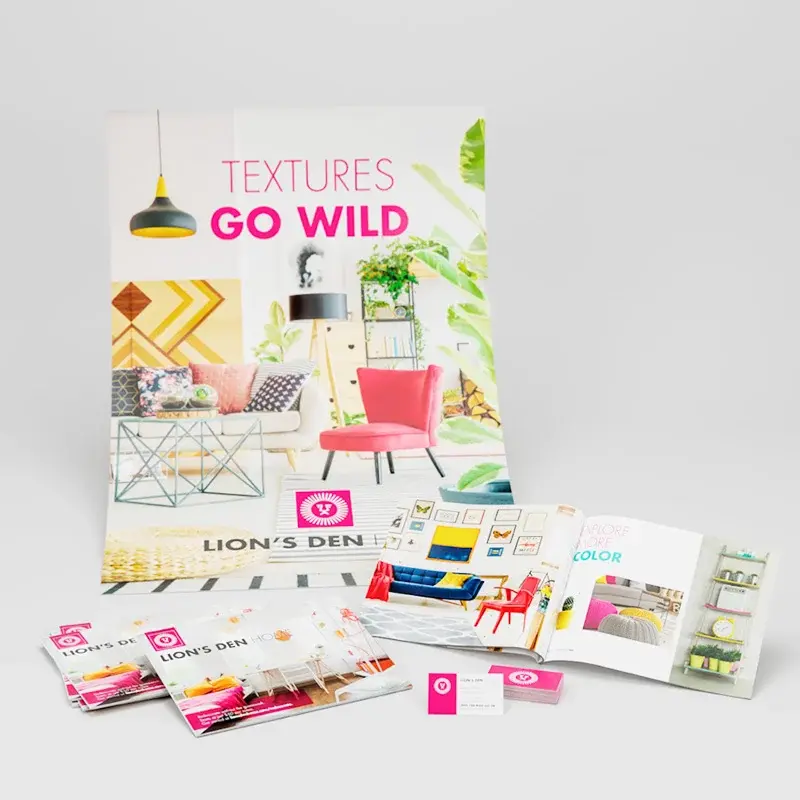
The 585 × 750 mm maximum sheet and 60–400 g/m² overall media range offer room for extended formats. Coated/uncoated and simplex/duplex limits differ, so the chosen stock and print mode must be assessed together.
Work with the paper, ink and drying process as a single colour system.

Ricoh's piezo drop-on-demand printheads and aqueous pigment inks support detailed colour output at 1,200 × 1,200 dpi. Drop control and consistent sheet positioning contribute to text, images and tonal transitions.
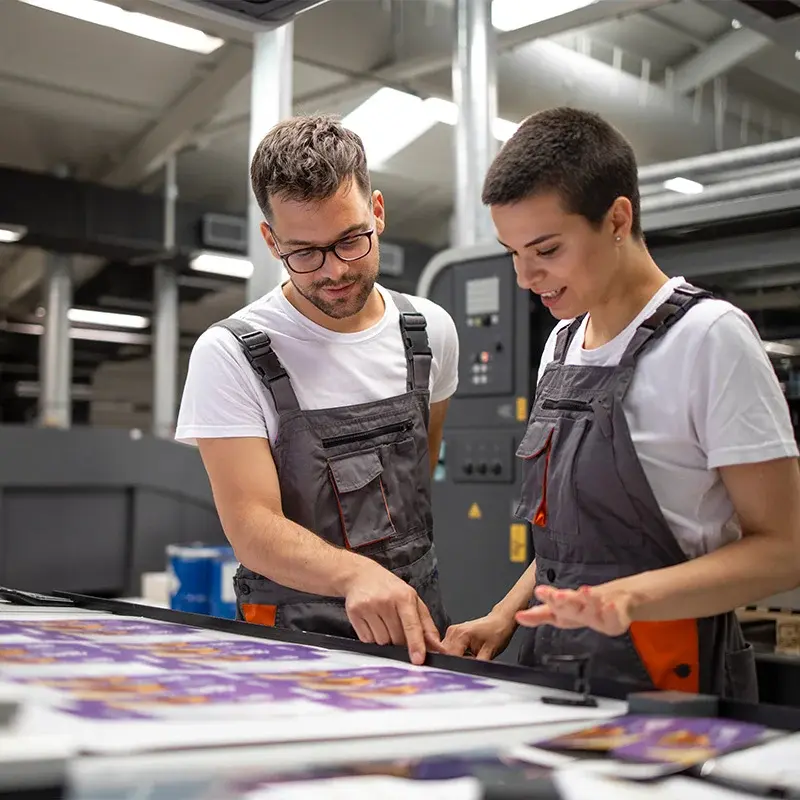
Assess the intended coated, uncoated or inkjet-treated stock with a representative job. Include fine text, solid areas and demanding images, then check the result after folding, binding or other planned finishing.
Plan production using the output mode and paper weight, not the maximum speed alone.
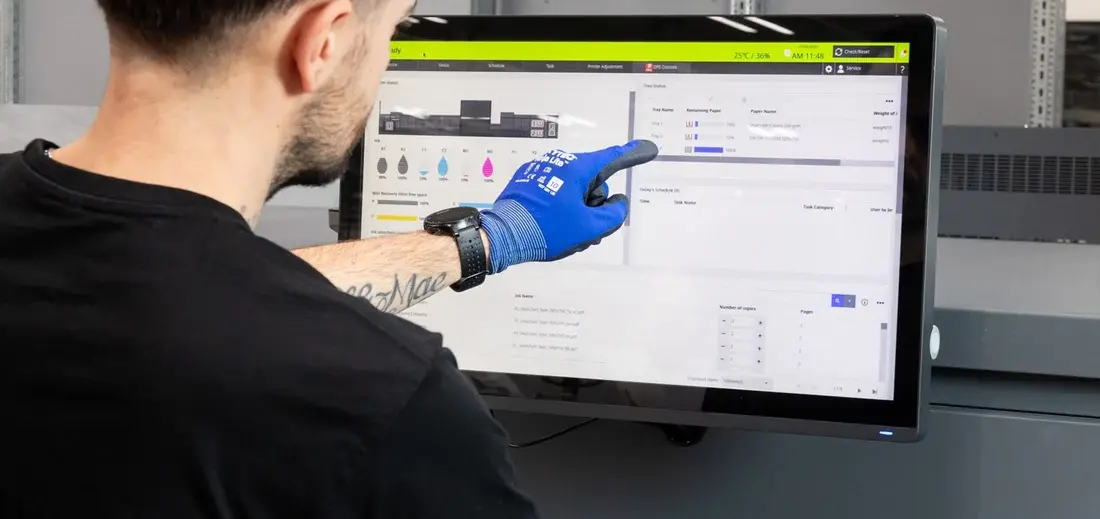
Ricoh's regional specification lists up to 4,500 sheets/hour simplex and 2,250 sheets/hour duplex for stock up to 310 g/m². For heavier stock up to 400 g/m², the listed speeds are 3,000 simplex and 1,500 duplex. These are equipment ratings, not a promise for every job.
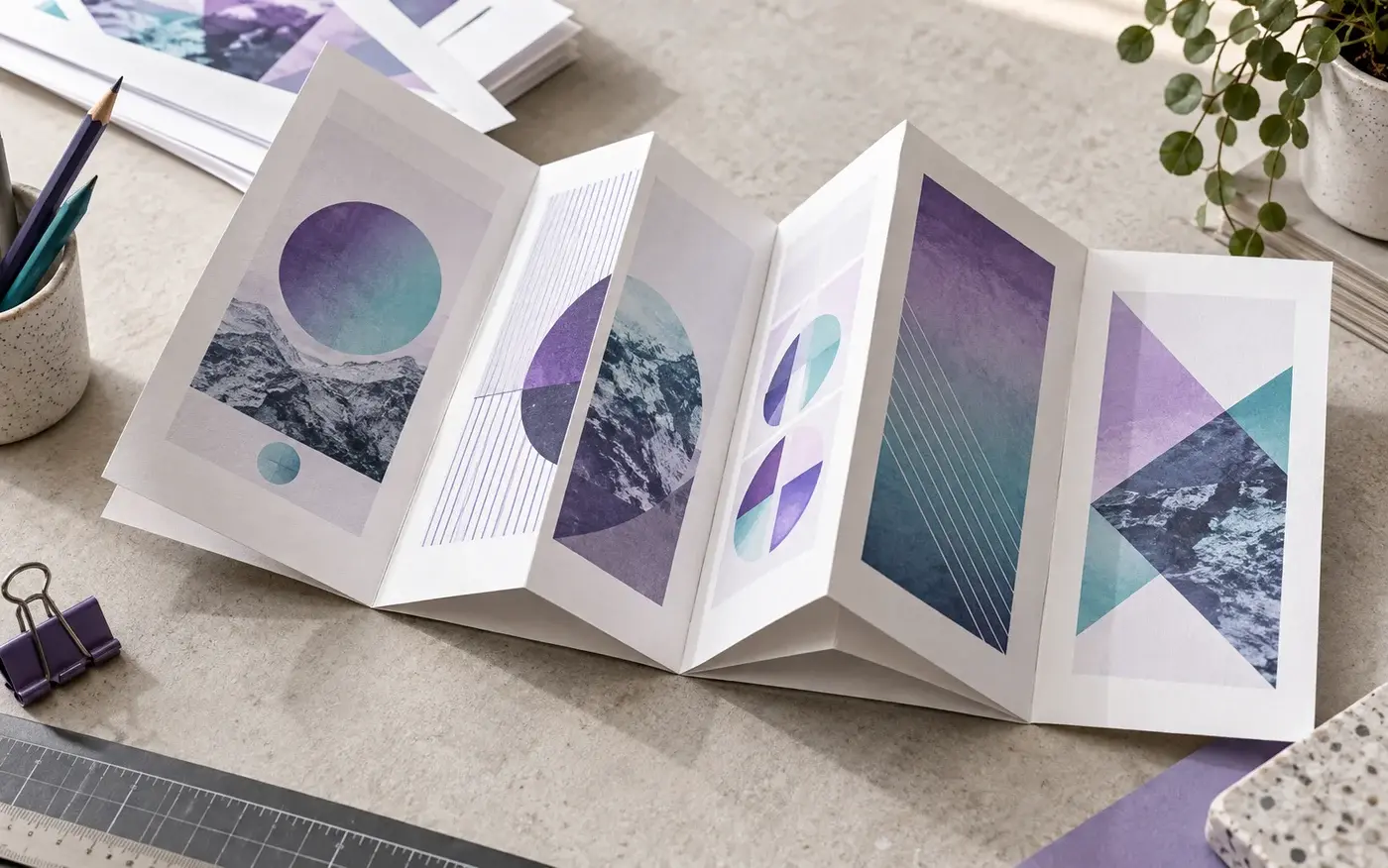
A suitable digital front end brings together file processing, variable data and colour management. Plan representative files and imposition settings early, especially when moving jobs from an existing offset workflow.
Application illustration; not a production sample.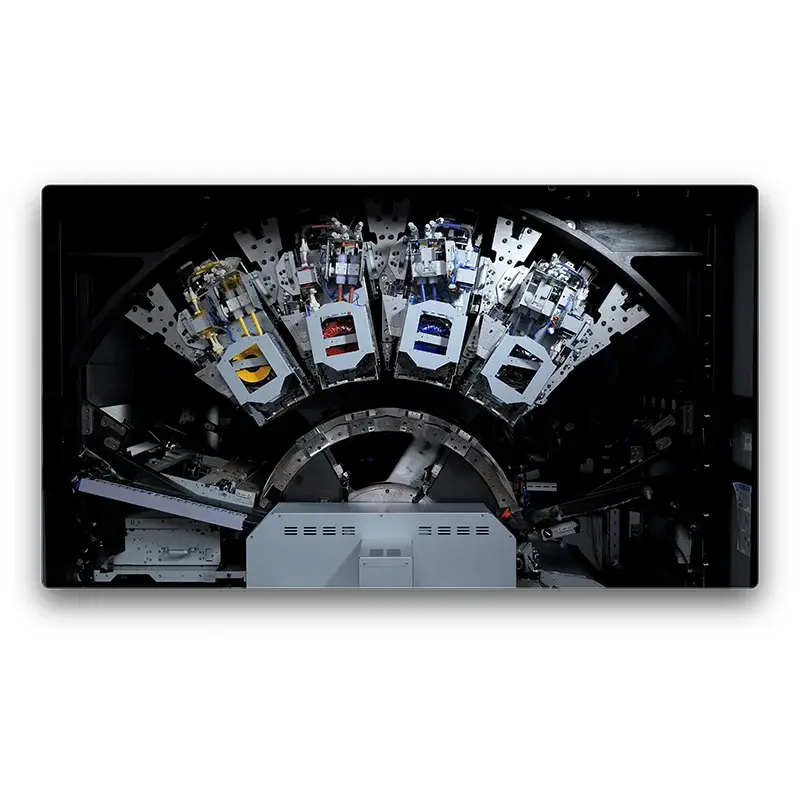
Automatic perfecting prints both sides without manually turning and reloading the pile. Drying and sheet handling are part of the press workflow, preparing output for the next production stage.
Connect press output with the bindery equipment and finished formats you already use.
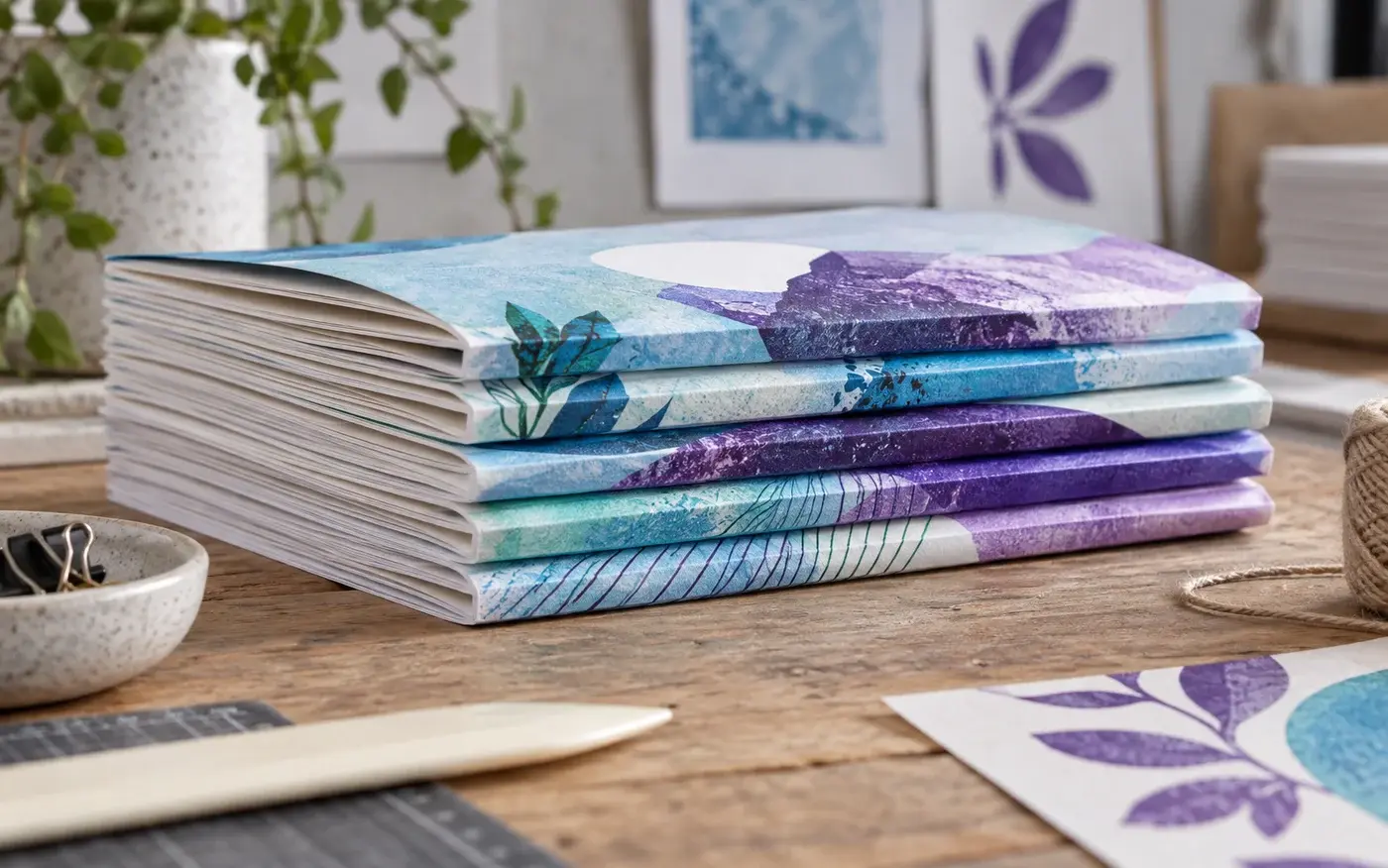
Confirm gripper margins, fold direction, trim allowances and stack handling before the job is imposed. The larger sheet can suit existing finishing processes, but the complete route needs to be checked for each application.
Application illustration; not a production sample.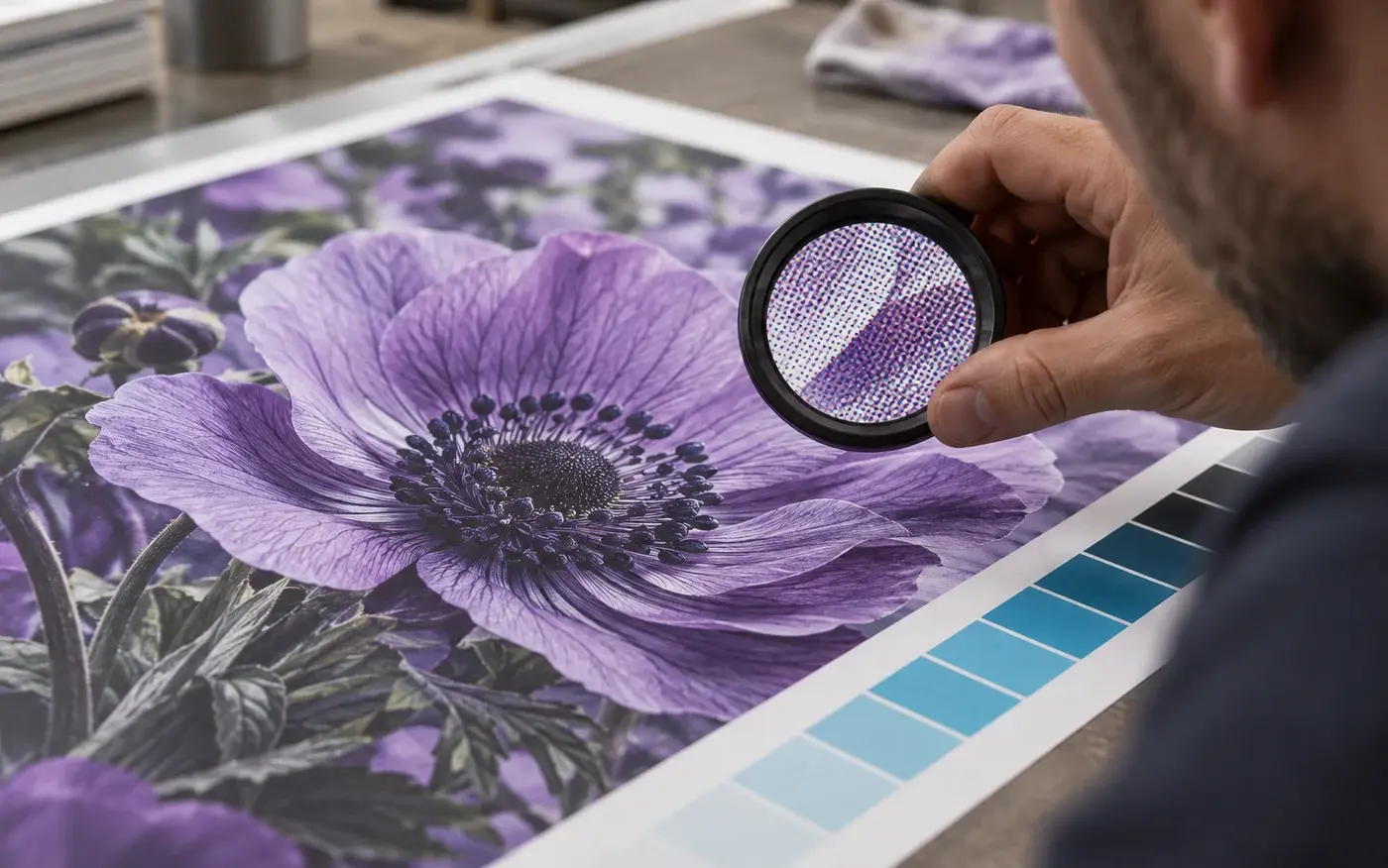
Start with a small set of representative jobs: a booklet signature, an image-rich piece and a variable-data mailer. Assess image quality, finished output and handling time together rather than judging only the printed sheet.
Application illustration; not a production sample.Review the key figures and the listed equipment options for this system.
let’s talk print
Tell us what you print, your volumes and where you want to go. We’ll help you explore the next step.