ion Solutions

A4 black & white printer

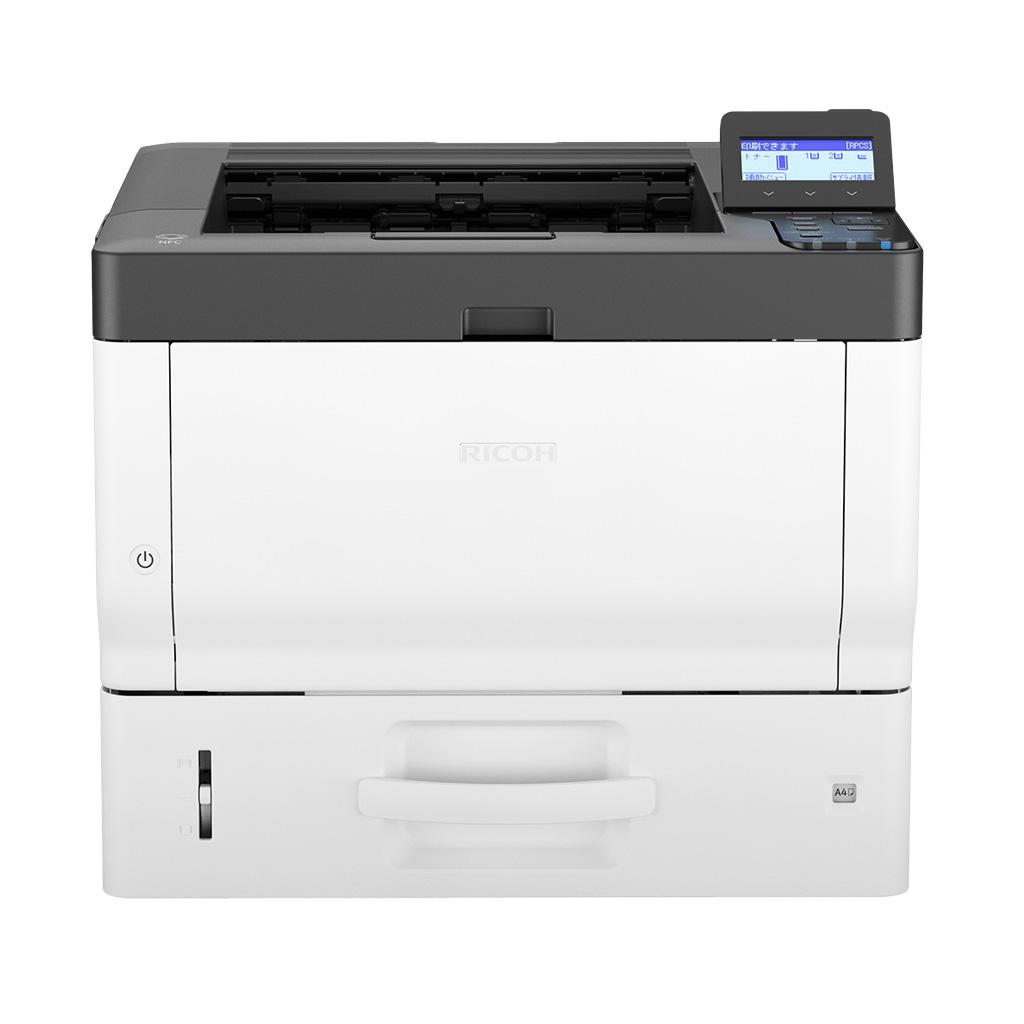
Ricoh P 502

Secure A4 mono printing for productive teams

The compact P 502 produces 43 ppm mono output with sharp 1,200 dpi resolution and capacity up to 2,100 sheets. Envelope and label support plus layered document security make it useful in offices, counters and operational teams.
  • Envelope and label printing
  • Prints up to 43 ppm
  • Standard PostScript 3 and PDF Direct
  • 1,200 x 1,200 dpi output
download brochure
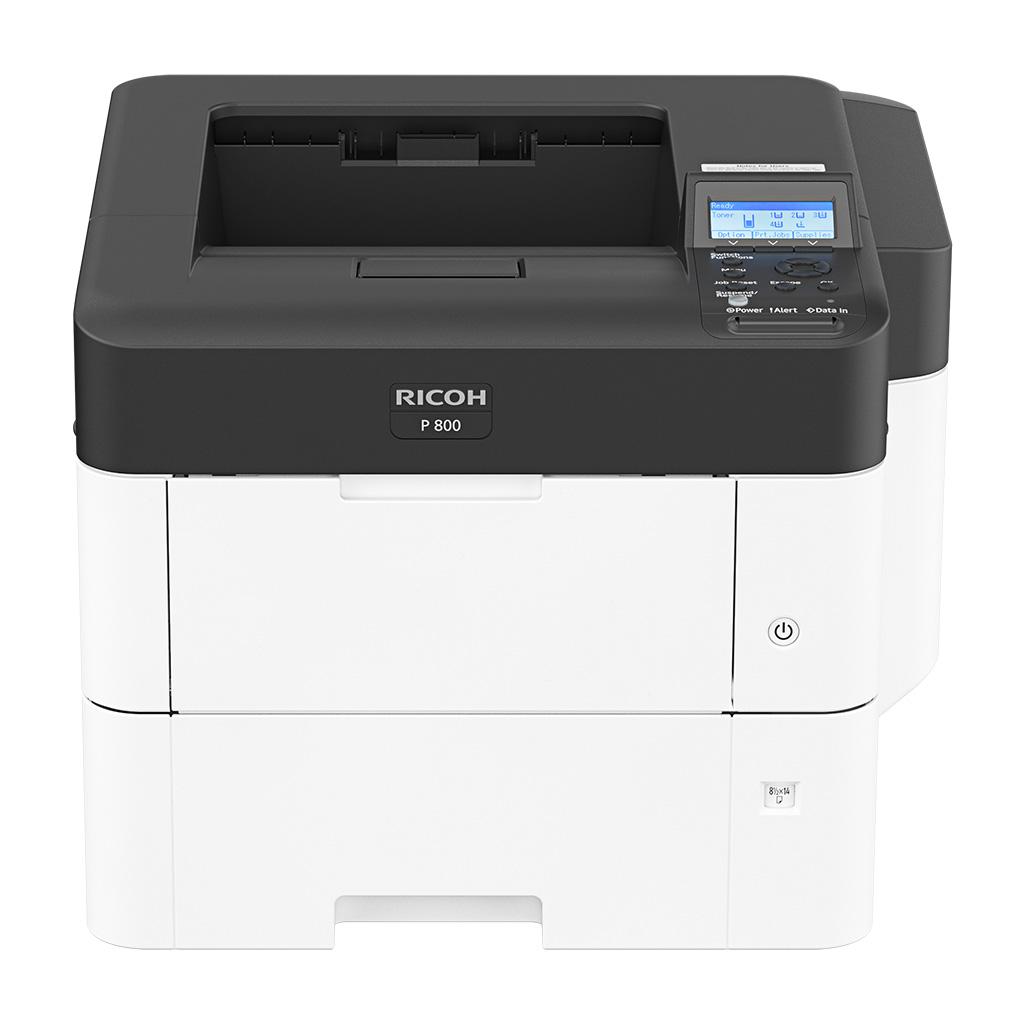
Ricoh P 502 A4 black & white printer

output

Black & white

paper size

A4

device type

Printer

print speed

43 ppm
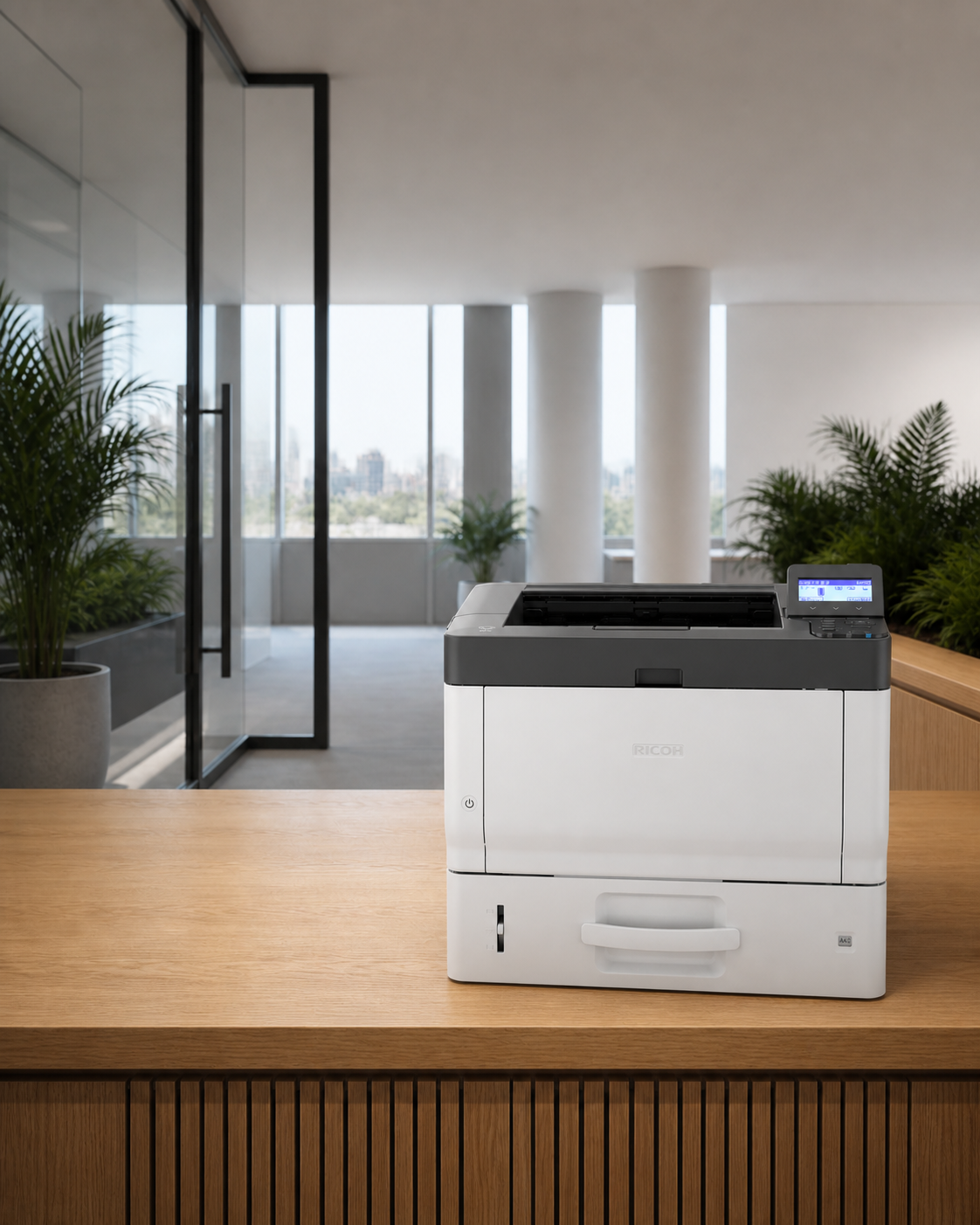
Ricoh P 502 shown in a modern office setting

best suited to

secure, durable output for space-conscious teams

01

Excellent performance

Maximum input capacity of 2,100 sheets with optional paper banks provide longer uninterrupted print runs.

02

High quality output

Maximum 1,200 x 1,200 dpi print resolution ensures sharp and crisp text every time.

03

Reliable and easy to use

Compact footprint enables devices to be installed in almost any location—from office desks to under retail shop counters.

04

Security built in

DataOverwriteSecurity System (DOSS) keeps hard drive contents protected, making all confidential data unrecoverable by overwriting latent digital images after all print jobs.

the ion difference

the machine is only one part of the solution

We help match the device to your actual print volumes, workflows and security needs, then support it with proactive service, automatic toner fulfilment and one local point of contact.

product guide

review the detailed brochure

Review configuration options and feature details relevant to the Ricoh P 502.

download brochure

technical detail

specifications

The full specification set is included on the page so your team can compare devices without searching through separate documents.

Configuration+
Functions
Print
Colour
No
Storage
320 GB—optional
Memory - standard
2 GB
Operation panel
4-line LCD
Physical dimensions+
Physical dimensions (WxDxH)—mainframe
375 x 412 x 311 mm
Weight—mainframe
19.3 kg
Media handling+
Standard input capacity (sheets)
600
Maximum input capacity (sheets)
2,100
Standard output capacity (sheets)
250
Maximum output capacity (sheets)
250
Paper input configuration - standard
500-sheet paper input tray, 100-sheet bypass tray, duplex unit
Paper output configuration - standard
250-sheet face-down paper output tray
Supported media
Plain paper (type not displayed), recycled paper, special paper 1–2, colour paper, letterhead, pre-printed paper, OHP, label paper, envelope
Maximum paper size
A4
Media weight (g/m2)
52–256
Connectivity+
Interfaces - standard
10Base-T/100Base-TX/1000Base-T (Gigabit Ethernet) USB 2.0 USB Host 2.0
Interfaces - optional
One of these can be installed: USB Device Server (additional Ethernet/Gigabit Ethernet port) IEEE 802.11a/b/g/n (Wireless LAN) IEEE 1284
Network protocols - standard
TCP/IP (IPv4, IPv6)
Print features+
Print speed black and white
43 ppm—A4 LEF, simplex 37 ppm—A4 LEF, duplex
First print time
4.3 seconds or less
Print resolution
1,200 x 1,200 dpi
Page description languages (PDLs)
Standard PCL 5e, PCL 6, PostScript 3 emulation, PDF Direct emulation Optional Genuine Adobe PostScript 3, PDF Direct from Adobe, XPS Direct Print, IPDS Note: HDD option is required if the IPDS option is installed.
Printer drivers
PCL 5e, PCL 6, PostScript 3
Duplex printing
Standard
Mobile printing
Yes
Security features+
Data Overwrite Security System (DOSS) - Standard
Yes—with optional HDD
Encryption
HDD encryption—with optional HDD Authentication password encryption
Authentication
User authentication—Windows and LDAP via Kerberos, Basic, User Code 802.1x wired authentication Wireless LAN security (WEP, WPA2, 11i) IPv6 Quota setting WiFi Protected Setup (WPS) support
Supported operating environments+
Windows
Windows 7 Windows 8.1 Windows Server 2008 Windows Server 2008 R2 Windows Server 2012 Windows Server 2012 R2 Windows 10 Windows Server 2016
Macintosh
OS X Native v10.10 or later—PostScript 3 only
Unix
Sun Solaris—10 HP-UX—11.x, 11iv2, 11iv3 Red Hat Linux—Enterprise, v4, v5, v6 SCO OpenServer—5.0.7, 6.0 IBM AIX—6.1, 7.1, 7.2
SAP
Environment—R/3, S/4 Platforms—SAP R/3 (release versions 3.0 and above), SAP R/3 Enterprise, mySAP ERP (2004 and higher), SAP HANA Page description language—PCL Character sets—Latin-1, Latin-2, Unicode Supported features—Input/output bin, Duplex, Resolution, Collation, EconoMode/Toner saving, Page protect, Auto tray change/Opt tray select ,User authentication Barcode fonts—Code 128, Code 39, Code 93, Codabar, 2 of 5, MSI, USPS POSTNET, EAN/UPC OCR fonts—OCR A, OCR B
IBM
iSeries/AS/400—Using OS/400 Host Print Transform
Software and solutions+
Standard
@Remote Embedded Web Image Monitor
Optional
RICOH Streamline NX v2 and v3 Enhanced Locked Print NX v2 and FlexRelease Server v2 FlexRelease CX Card Authentication Package v2 and Enterprise Server v2 Device Manager NX Lite and Accounting Printer Driver Packager NX Device Manager NX Pro and Enterprise RICOH @Remote Connector NX
Mobile apps
Smart Device Connector
Environmental features+
Power source
220–240 V, 7 Amps, 50/60 Hz—Asia Pacific 110 V, 12 Amps, 60 Hz—Taiwan
Power consumption
1,260 W or less—maximum power, guaranteed 597 W—printing, nominal 79.6 W—Ready Mode, nominal 0.63 W—Energy Saver Mode (Sleep Mode), nominal
Typical Electricity Consumption (TEC)
0.54 kWh
Warm-up time
13 seconds or less
Power saving mode
1 minute; default shift time—Energy Saver Mode (Sleep Mode)
Recovery time
10 seconds or less—Energy Saver Mode (Sleep Mode)
Green labels
Thai Green Label Scheme, Hong Kong Energy Efficiency Labelling Scheme, Blue Angel Mark (BAM)

Specifications are based on current Ricoh Australia product information and may change. Optional features can require additional hardware, software or configuration.

common questions

about theP 502

Quick answers about the device, where it fits and how ion can support it.

Black & whiteA4Printer43 ppm
What type of device is the P 502?+

The P 502 is an A4 black & white printer device that prints at up to 43 pages per minute. Its core functions are print.

Who is the P 502 best suited to?+

Productive small-to-medium departments that need reliable A4 printing without unnecessary multifunction features, especially where secure A4 mono printing for productive teams matters.

Can ion supply and support the P 502?+

ion can assess your print volumes, workflows and security needs, configure the right P 502 solution, and support it through a managed print arrangement with local service and automatic toner fulfilment.

next step
check whether the P 502 fits your real print environment